
Acuity Scheduling
Lower fees for Acuity appointment payments with Helcim.
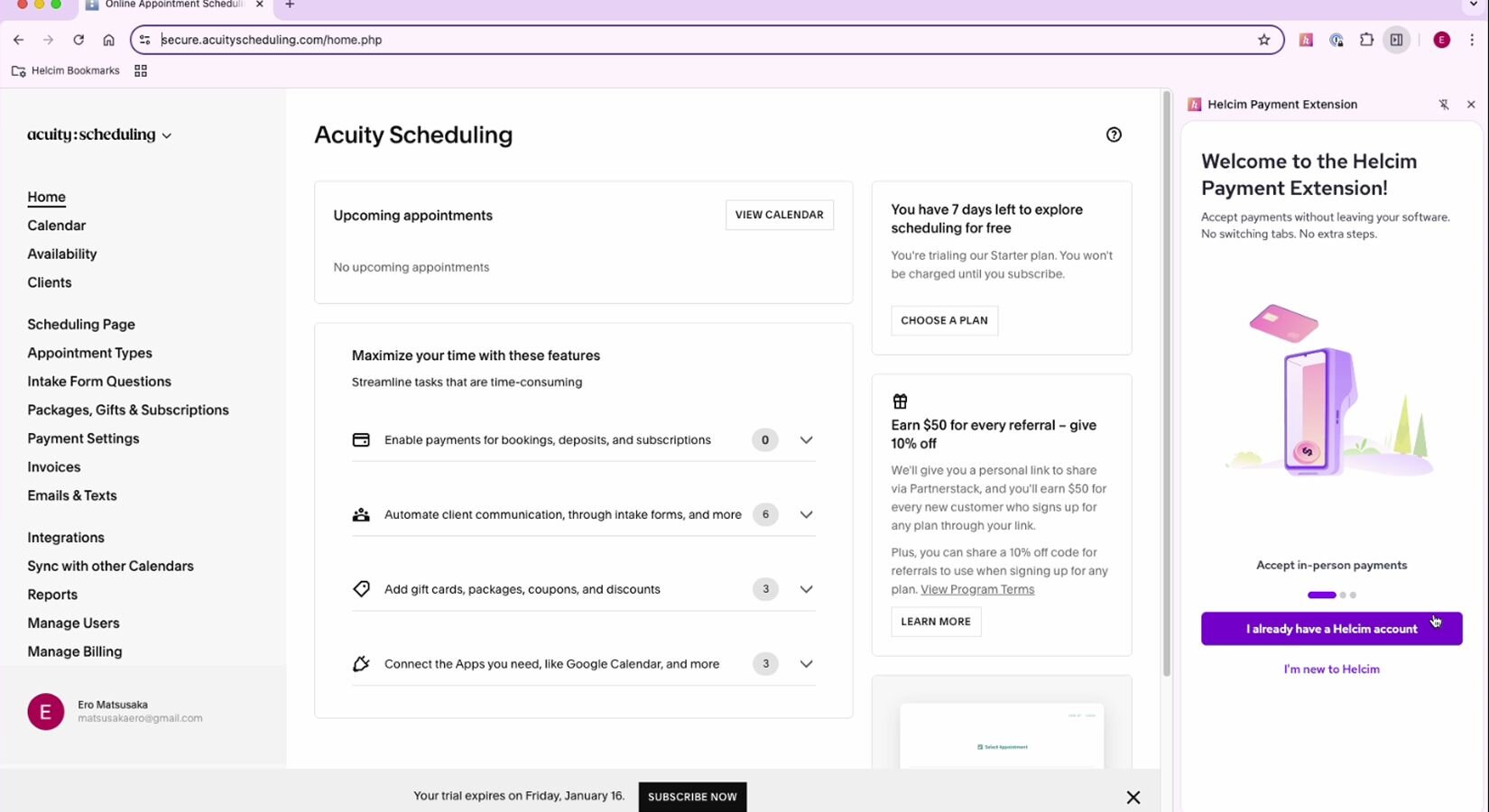
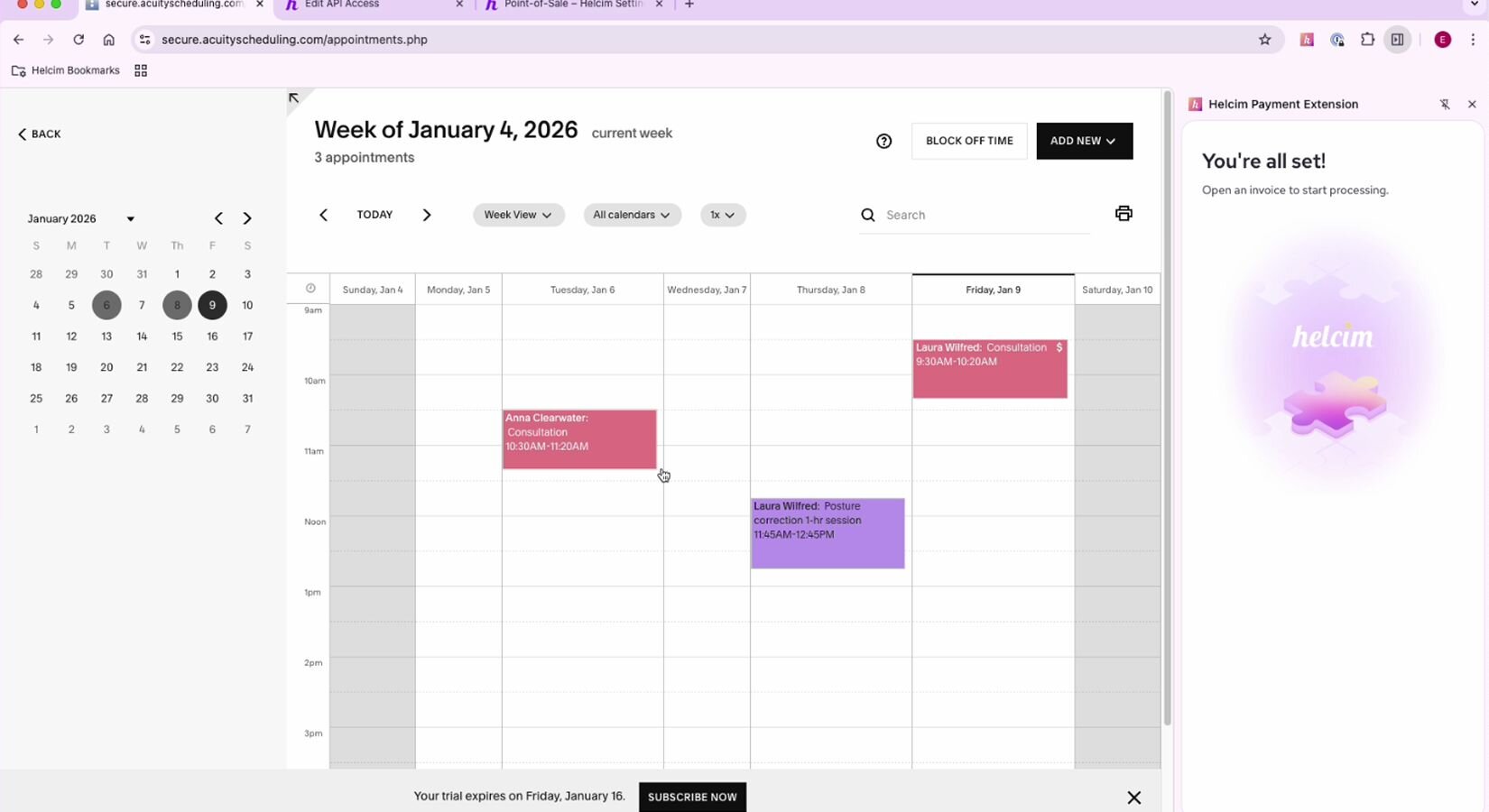
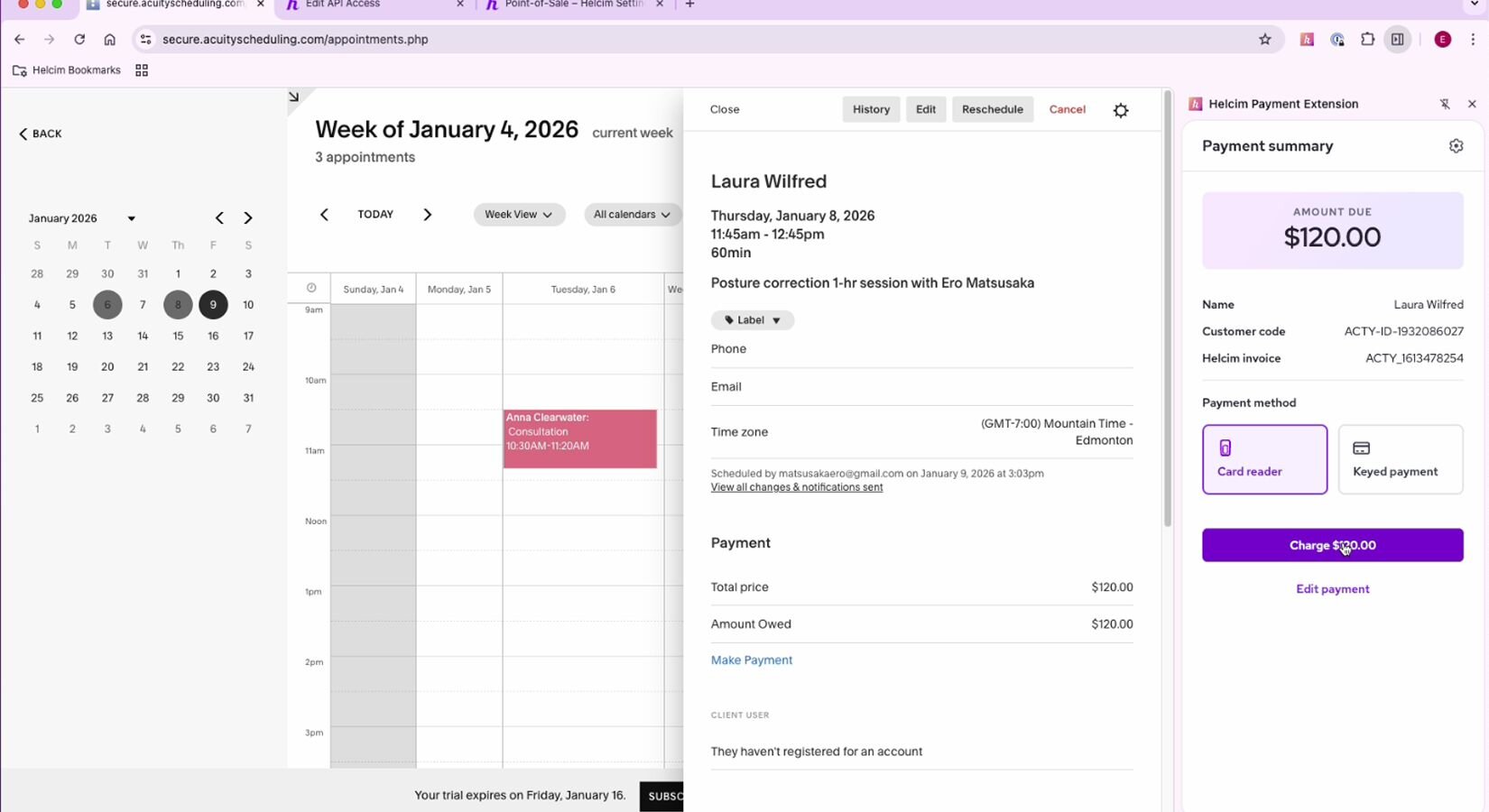
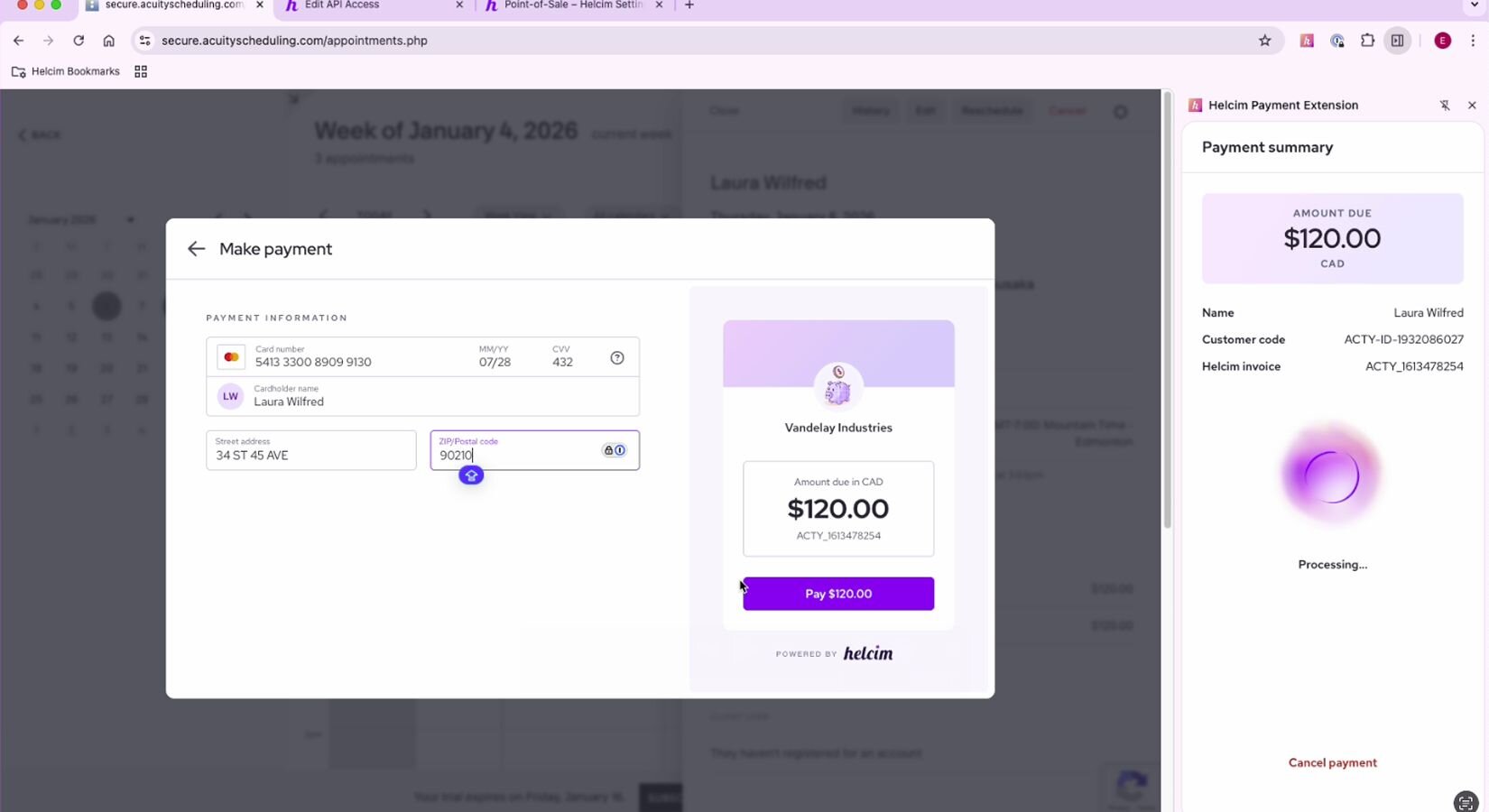
About Extension
Acuity Scheduling helps service businesses let clients book appointments online and manage availability with ease. With Helcim Payment Extension, you can continue using Acuity for scheduling while processing payments through Helcim’s transparent interchange-plus pricing—helping reduce fees and keep payment reporting simple without disrupting your booking workflow.
Rate comparison
In-person Payments
Online Payments
In-person Payments
Online Payments
We are all about transparency.
Features
Accept in-person payments.
Helcim allows Acuity users to take in-person card payments using Helcim’s card readers—something Acuity's own payment tools do not support.
Lower your processing fees.
Reduce your cost per transaction by using Helcim’s transparent interchange-plus pricing instead of Acuity's built-in payment processor. You also have the ability to pass on your processing fees for card-present transactions effectively removing the processing fees for the payments.
Smoother reconciliation.
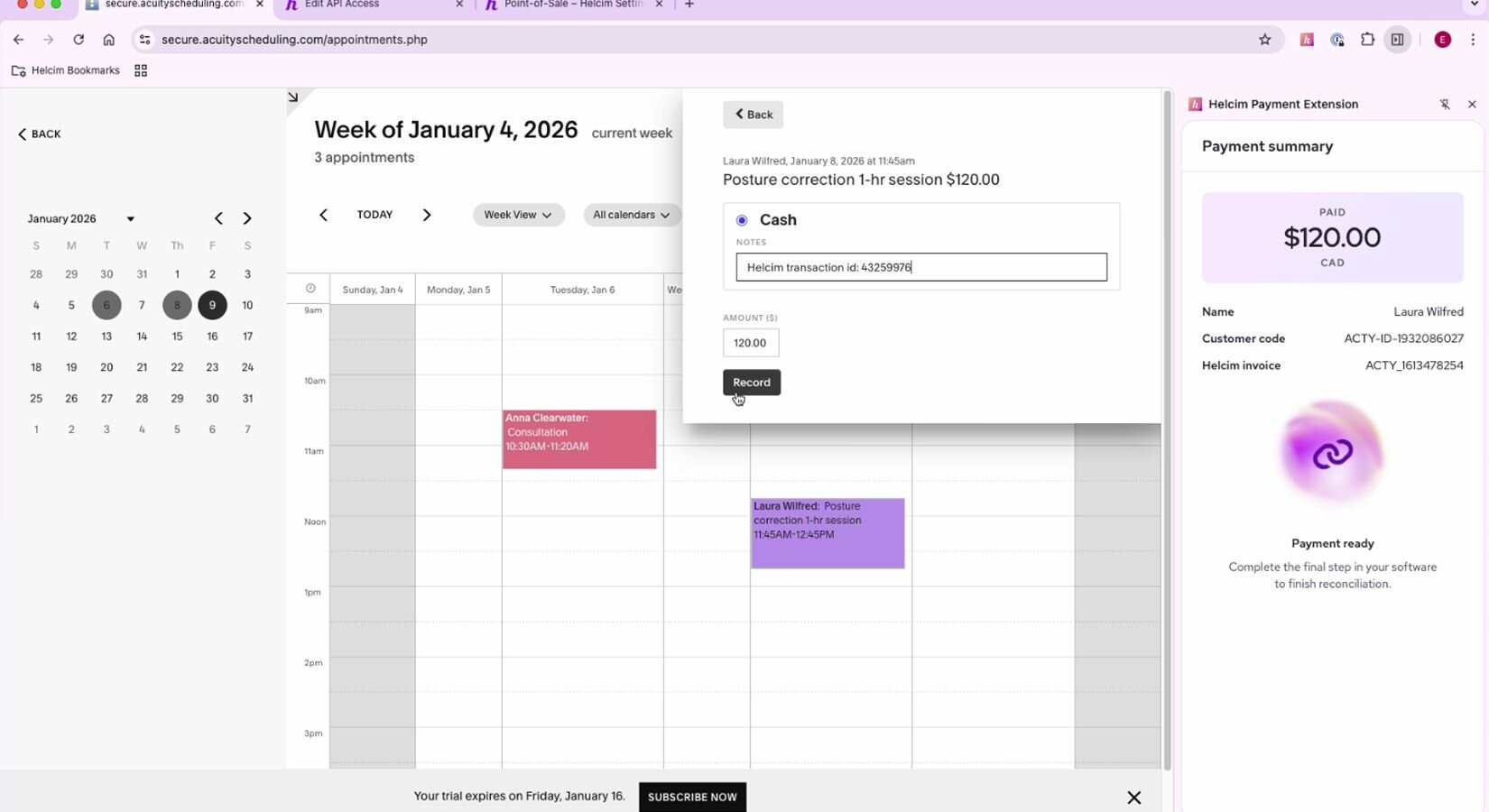
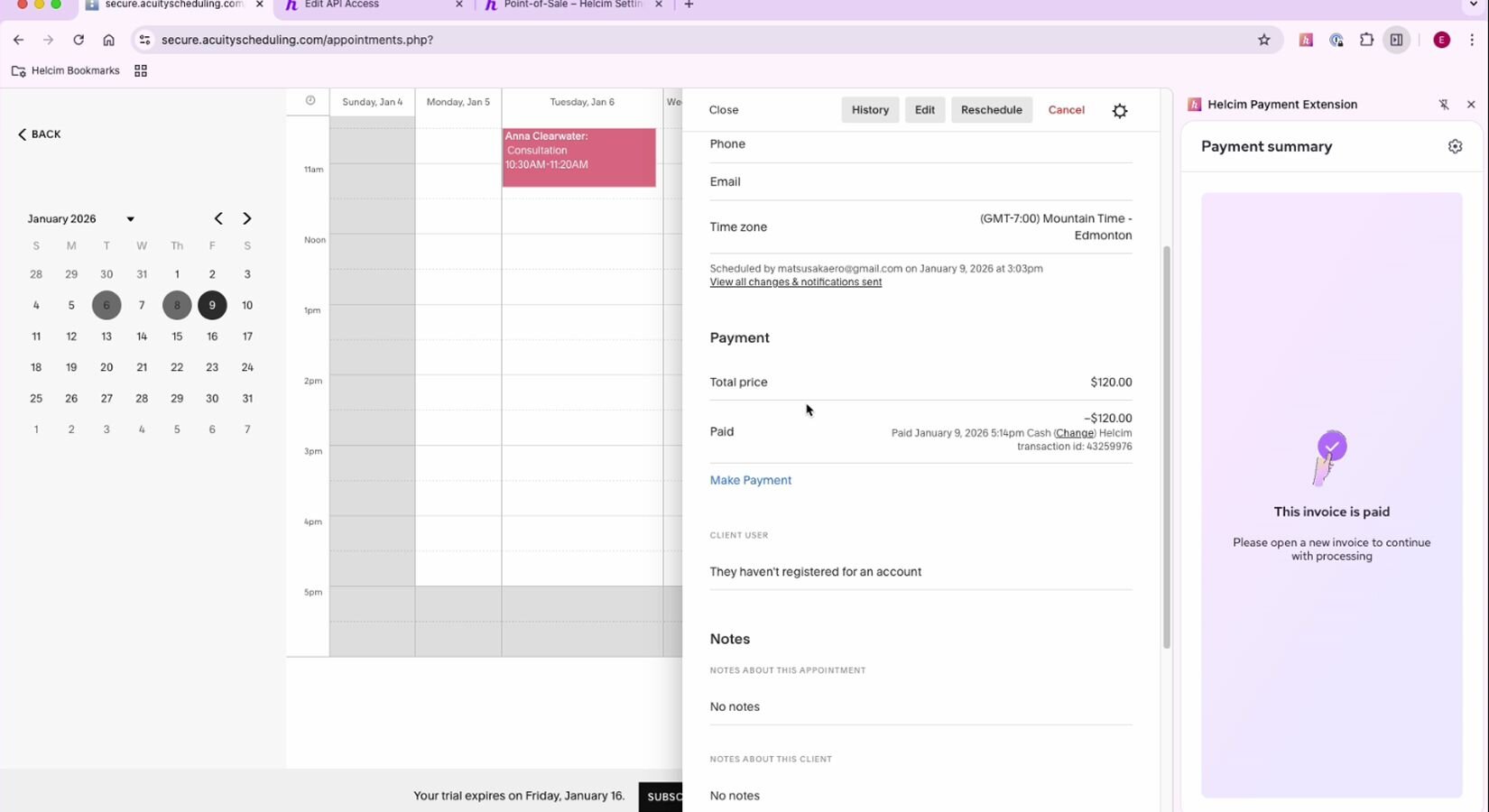
All Helcim transactions—online and in-person—sync to your Helcim dashboard for simple tracking and clearer reporting.
How it works with Helcim
The Helcim Payment Extension processes payments through Helcim while Acuity continues to manage bookings, customer details, and scheduling. Transactions are handled and deposited in Helcim, while booking data remains in Acuity. Refunds or changes made outside Acuity may require manual updates. Invoice currency must match your Helcim account currency. This setup adds payment flexibility without altering how bookings are managed.
Requirements
Setup
Sign up with Helcim
Create a free Helcim account to access your payment tools and API configuration.
Install the Helcim Payment Extension
Install the Helcim Payment Extension to your browser from the Chrome Store.
Connect your active Helcim account
Grab your Helcim API credentials. You can find this under Integrations > API Access Configurations > New API Access. Copy-paste it on your Payment Extensions tab in Acuity. Then, follow the rest of the prompts on your Extension screen.
Frequently asked questions
Can Helcim Payment Extension reduce Acuity payment processing fees?
Yes — Helcim’s interchange-plus pricing is often much cheaper than Acuity’s built-in payment fees.
Can Helcim integrate with Acuity's invoicing?
Yes — you can integrate Helcim with Acuity using the Payment Extension.
What are the advantages of Helcim on Acuity?
You get lower fees, ability to process card-present transactions, faster workflows, and reduced manual reconciliation across your invoices.
Is the Helcim Payment Extension an alternative to Acuity's payment processor?
Yes — Helcim Payment Extension provides affordable payment processing which can be an alternative to Acuity's built-in payment system.