
QuickBooks Online integration for online invoices
Accept credit card and ACH payments when you send your QuickBooks Online invoices.
About Direct integration
QuickBooks Online is one of the world's leading cloud-based accounting platforms, used by businesses to manage financial records, invoicing, and reporting. The Helcim integration syncs easily with your QuickBooks account, allowing you to process payments using Helcim's affordable Interchange Plus rates directly on your QuickBooks invoices. When a customer pays, the transaction and customer data auto-sync back, ensuring your accounts are always reconciled and accurate.
Rate comparison
In-person Payments
Online Payments
In-person Payments
Online Payments
We are all about transparency.
Features
Create and send an invoice from one platform.
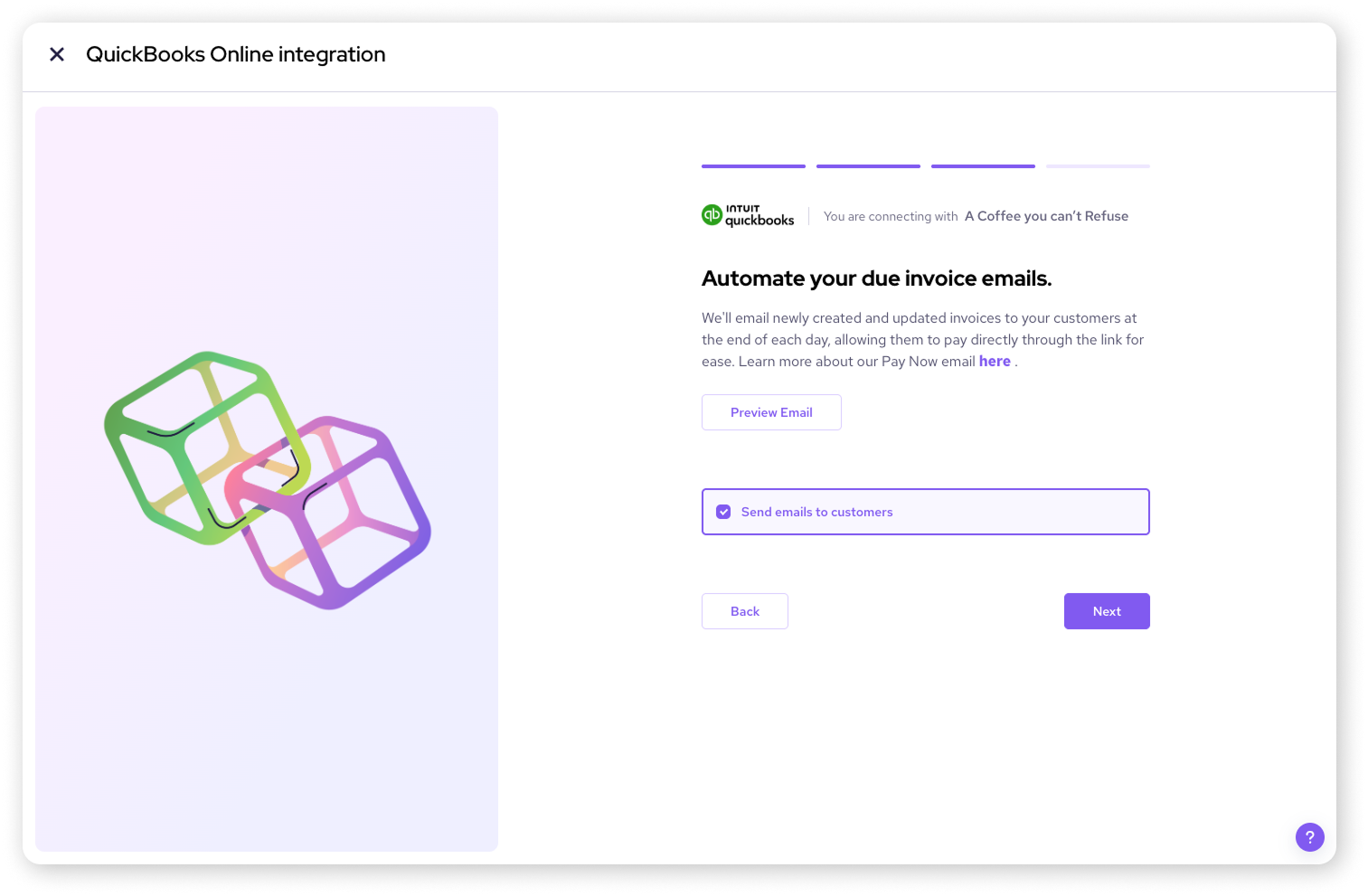
Create an invoice in QuickBooks and Helcim will automatically send a “Pay Now” email.
Account receivables in sync, with no extra steps.
Your transaction data auto-syncs between Helcim and QuickBooks, marking the invoice as “paid” on both platforms.
Automatically collect payments on invoice due dates
Helcim can charge your customer's saved ACH or card automatically on the invoice due date—no manual steps required.
Lower your processing fees
Keep more of your revenue with Helcim's transparent interchange-plus pricing, a clear alternative to QuickBooks Online default processing rates.
How it works with Helcim
Requirements
Setup
Sign up with Helcim.
Sign up for a free Helcim account.
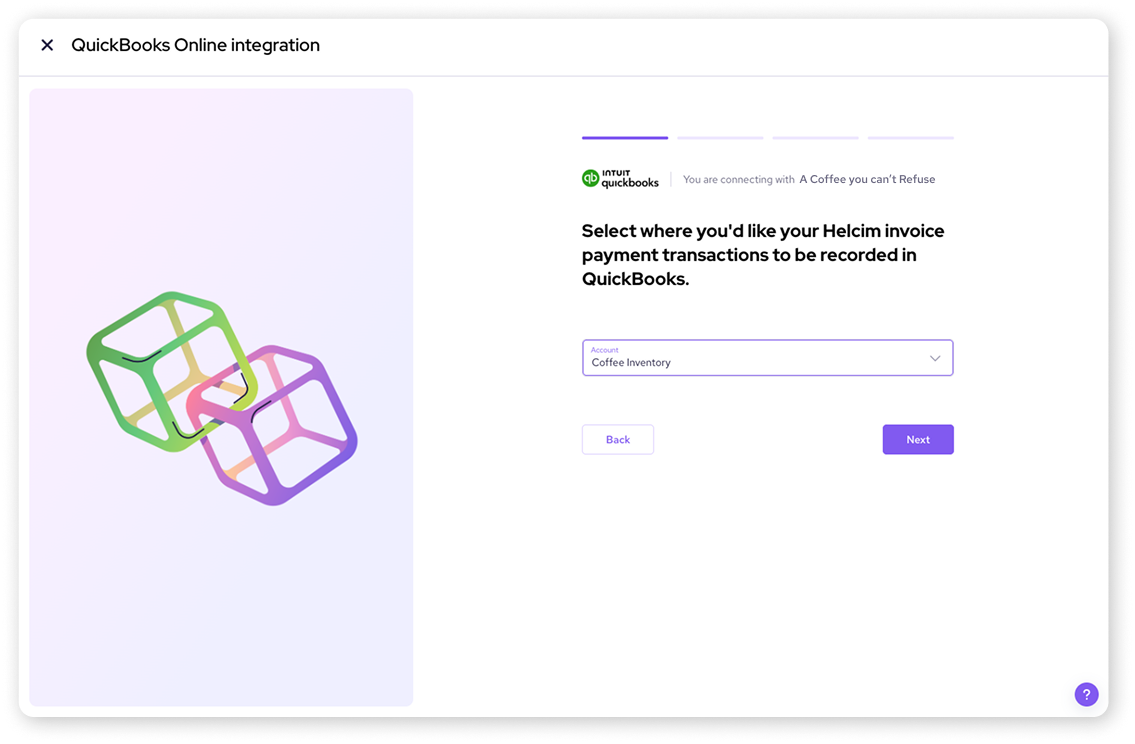
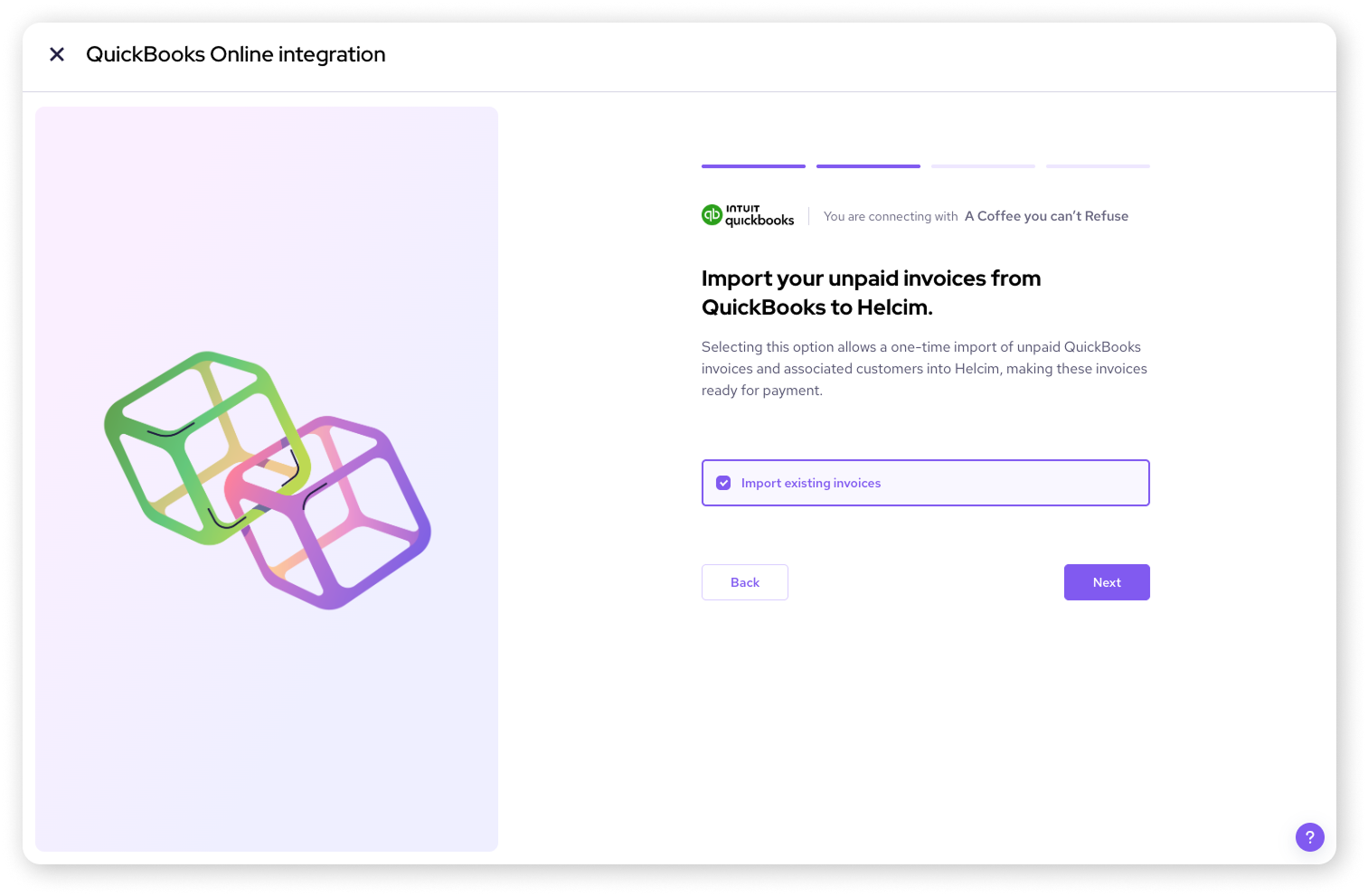
Connect your QuickBooks Online account.
On your Helcim account, click All Tools in the top-left of your Helcim dashboard, go to Accounting Center under Merchant Tools, choose QuickBooks Online settings, select Connect to QuickBooks Online, then sign in to your QuickBooks Online account and choose the company to connect. It will ask you to complete all other onboarding setup required.
Create and send invoices from one platform.
Once Helcim and QuickBooks Online are connected, invoices and customers created or updated in QuickBooks Online automatically sync to Helcim, you can collect payments through Helcim's tools (such as invoicing with secure payment links, the Virtual Terminal, or other Helcim integrations), and any payments made through Helcim are automatically recorded in QuickBooks Online and matched to the corresponding invoice to streamline reconciliation.
Frequently asked questions
Can Helcim reduce QuickBook Online credit card fees?
Yes — when you process payments via Helcim, you benefit from its transparent interchange-plus pricing, which is often lower than flat-rate options of QuickBooks Online.
What data can be synced between QuickBooks Online and Helcim?
Customer information, invoices created in QuickBooks Online, and payment transactions processed via Helcim can be synced between the platforms.
How to access the QuickBooks Online and Helcim Integration?
In your Helcim dashboard go to “All Tools” → “Accounting Center” then choose QuickBooks Online and follow the steps to connect your company.
Is there a cost associated with QuickBooks Online and Helcim integration?
No — there are no setup fees or monthly charges for the QuickBooks Online integration; you only pay the usual Helcim transaction processing fees.