
Xero integration for online invoices
Accept credit card and ACH payments when you send your Xero invoices.

About Direct integration
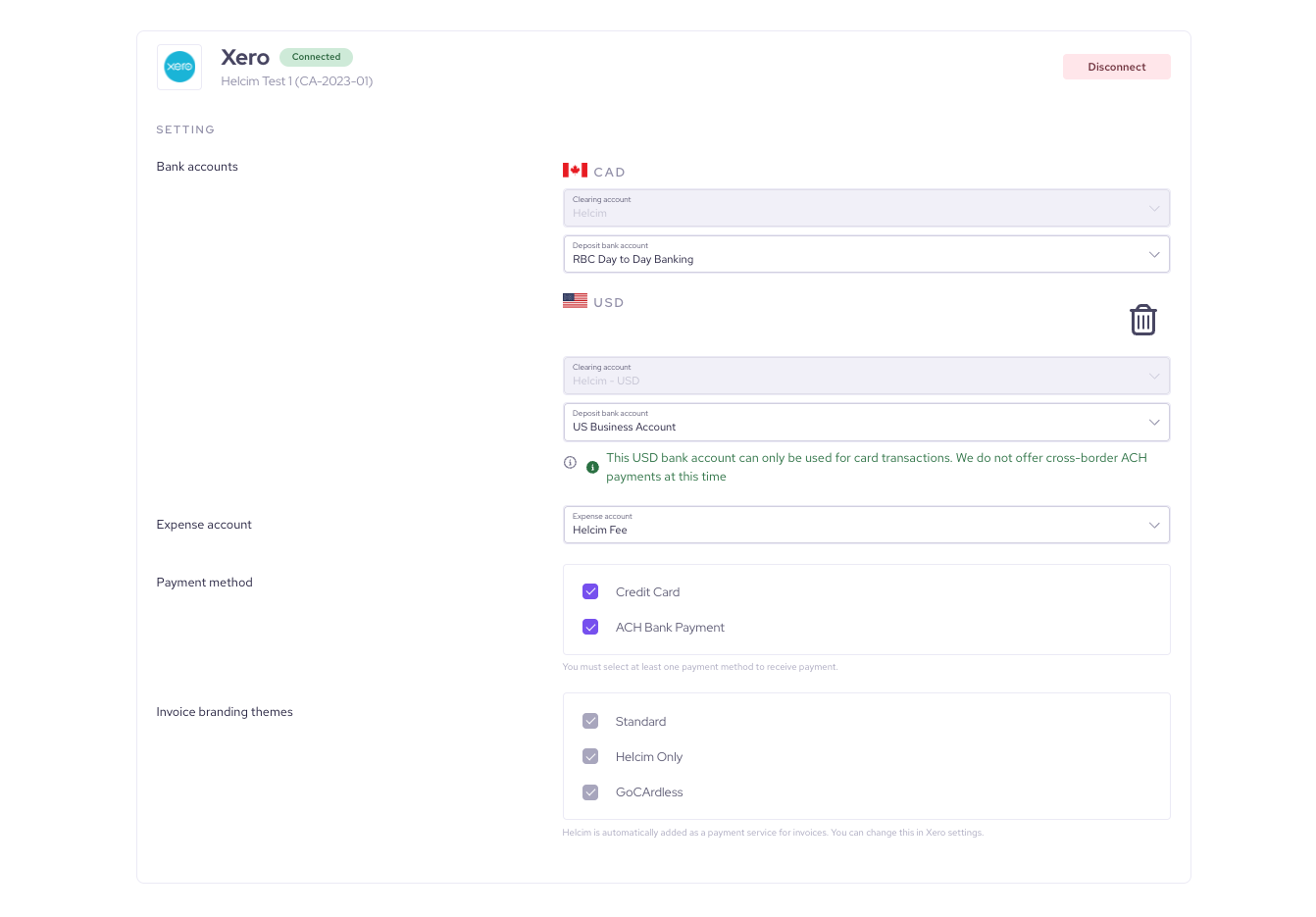
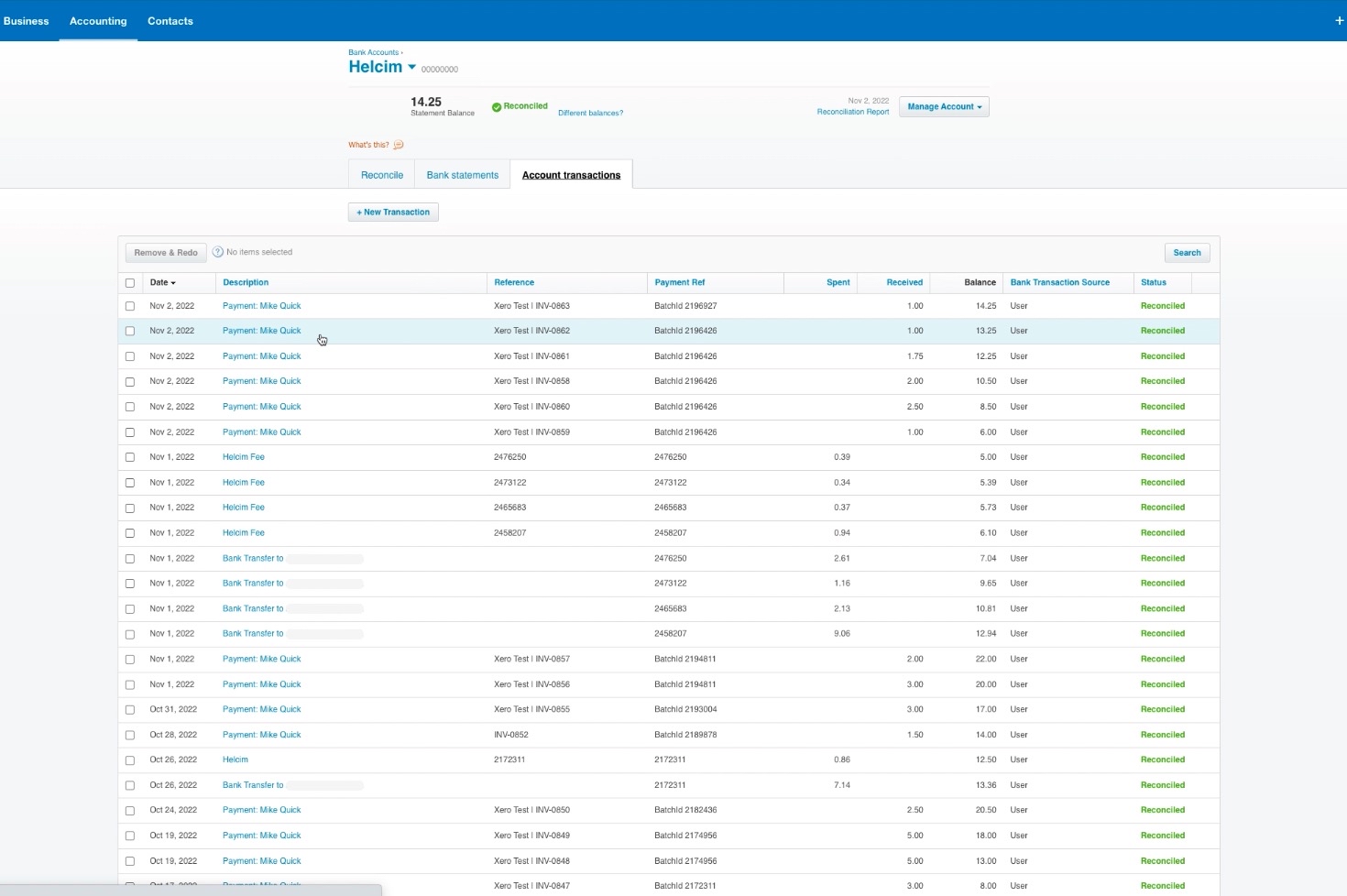
Xero is a popular cloud-based accounting software that provides small businesses with tools for managing cash flow, invoicing, and banking reconciliation. By integrating Helcim, you gain the ability to accept credit card and ACH payments directly on your Xero invoices. Helcim automatically adds a "Pay Now" button, enables auto-collection, and ensures all payment details, fees, and bank transfers are logged and reconciled in a dedicated Helcim Clearing Account within Xero.
Features
Stop chasing payments.
Enable Auto-Collect to charge your customer's saved ACH or card automatically on the invoice due date.
Repeat billing made easy.
Helcim securely stores customer payment info for charging them again without re-entering details.
ACH and credit card payments in one platform.
No more juggling between different processors to provide payment methods your clients need. Helcim provides both card and ACH bank payments at an affordable rate.
Lower your processing fees
Keep more of your revenue with Helcim's transparent interchange-plus pricing, a clear alternative to QuickBooks Online default processing rates.
How it works with Helcim
Setup
Sign up with Helcim.
Sign up for a free Helcim account.
Connect your Xero account.
On your Helcim account, click All Tools in the top-left of your Helcim dashboard, go to Accounting Center under Merchant Tools, choose Xero integrations, and hit the “Connect” button to map out your accounts.
Create and get paid on your Xero invoices.
Once the integration is set up, you can accept payments directly from your Xero invoices by creating and sending an invoice from your chosen branding theme, allowing customers to use the Pay Now button to enter their payment information and pay, after which the Xero contact is saved as a customer in Helcim with their payment details securely stored for easy one-click payments on future invoices.
Frequently asked questions
Can Helcim reduce Xero credit card fees?
Yes — Helcim uses Interchange Plus pricing on Xero-invoice payments, which can result in lower card fees compared to many flat-rate processors.
What data can be synced between Xero and Helcim?
Xero invoices, contacts (customers) and payment transactions processed via Helcim are synced into Xero’s clearing account for reconciliation.
How to access the Xero and Helcim Integration?
In your Helcim dashboard go to “All Tools” → “Accounting Center” → “Xero Integration”, click “Connect” and follow the setup wizard.
Is there a cost associated with Xero and Helcim integration?
No — there are no setup fees or monthly charges for Xero's integration; you only pay the usual Helcim transaction processing fees.