
-
Content
Picture this: it’s the end of a long day, and a customer is at your counter, ready to pay. They’re digging through their purse or patting down their pockets, and you can see a line starting to form. Now, imagine that same customer simply tapping their phone or smartwatch to your terminal, and boom—the payment is done in seconds.
This isn’t a sci-fi movie; it’s a digital wallet in action. It's a payment method that's becoming more and more common. In fact, a recent survey from McKinsey found that nearly one in three consumers in the U.S. now use a digital wallet for in-store purchases, a significant jump from just a few years ago. For small business owners like you, this isn't just a trend—it's a change in how people want to pay. Ignoring it means potentially losing out on sales and customer satisfaction.
So, what exactly are we talking about here? A digital wallet, also known as a mobile wallet, is an app on a smartphone, tablet, or smartwatch that stores a customer's payment information. Think of it as a virtual version of the wallet they carry in their back pocket, but with some extra bells and whistles for speed and security.
What is a digital wallet?
A digital wallet is a secure, virtual version of a customer's physical wallet stored on their smartphone, smartwatch, or other mobile device. Instead of carrying credit cards, they simply tap their device to pay.
Think about how you pay for things with a physical wallet. You pull out a credit card, hand it over, and maybe sign a slip. A digital wallet takes all of that and puts it on a smartphone, smartwatch, or other device. It's essentially a secure, virtual version of your credit and debit cards, but with a major upgrade in speed and convenience.
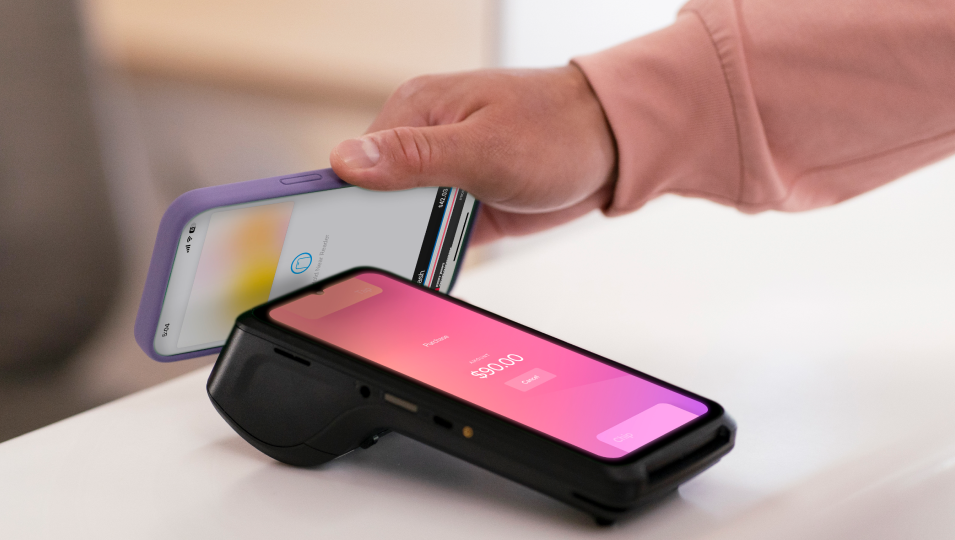
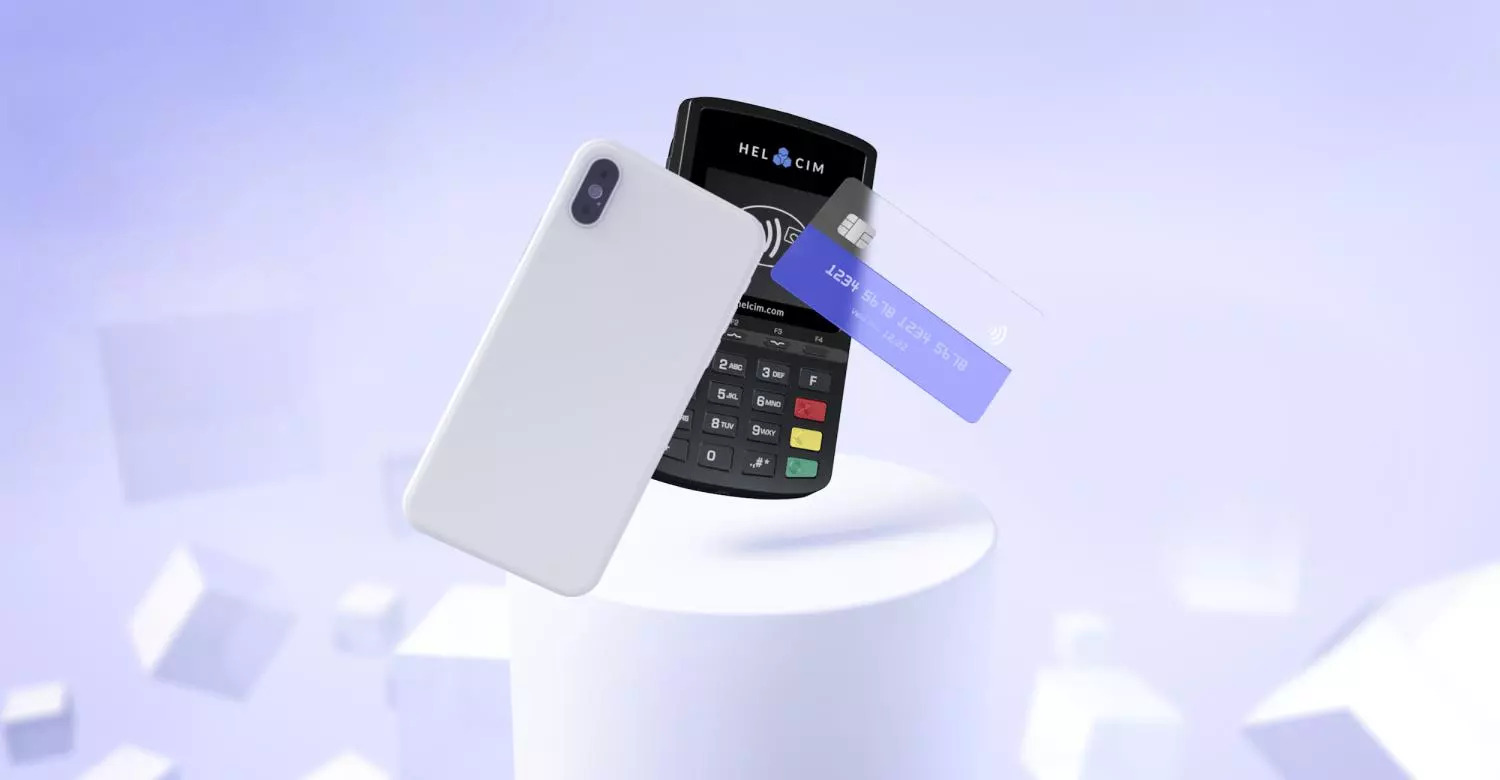
Instead of a plastic card, the customer's payment information is saved securely within an app like Apple Pay or Google Pay. When it's time to check out, they just hold their device near your payment terminal. The app creates a secure, one-time-use code for that specific transaction. This process happens instantly, which means faster checkout times for your customers and shorter lines for you.
How do digital wallet payments work?
While it might seem like magic, the process is quite simple and very secure. It all happens in just a few seconds.
Here’s a quick summary of how a digital wallet payment goes from your customer's phone to your bank account:
- The customer links their credit or debit card to an app on their device.
- They use NFC technology to tap their device on your payment terminal.
- The app creates a secure, one-time-use code, so their real card number is never shared.
- Your payment terminal receives this code and processes the transaction securely.
1. The customer links their card to an app
Before a customer can use a digital wallet, they first have to add their credit or debit card information to an app like Apple Pay, Google Pay, or Samsung Pay. This is a one-time setup where the card details are securely stored on their device, not on a server somewhere on the internet. This step is a lot like putting a new card into your physical wallet.
2. Tapping to pay with Near Field Communication (NFC)
When a customer is ready to pay, they don’t need to open their wallet. They just hold their smartphone or smartwatch near your payment terminal. This is where a technology called Near Field Communication (NFC) comes into play. Think of NFC as a short-range radio signal that allows two devices—the customer's phone and your terminal—to have a quick, secure "conversation" when they are just a couple of inches apart. This is the same technology behind contactless credit cards. Learn more about the difference between NFC and EMV payments.
3. Tokenization: the secret to security
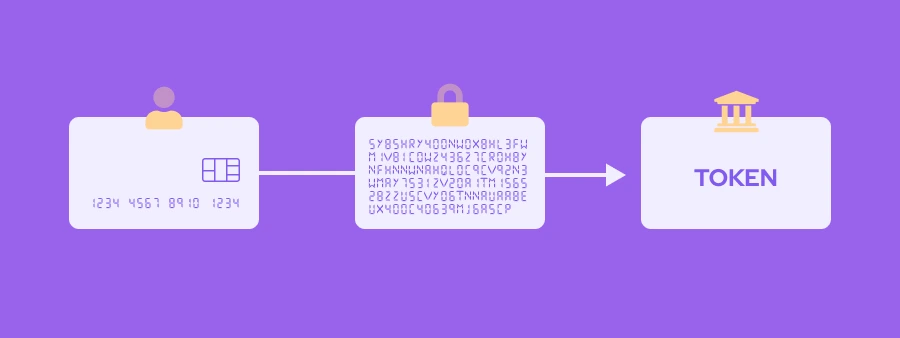
This is the most important part of the process. When the customer taps to pay, their digital wallet doesn't send their actual credit card number to your payment terminal. Instead, it creates a unique, one-time-use code called a "token." This token acts as a placeholder for their real card information. Even if a cybercriminal managed to intercept this token, it would be useless to them because it can't be used again.
4. The transaction is processed
Your payment terminal receives the secure token and sends it on to your payment processor. The processor then checks with the customer's bank (also known as card issuing bank) to make sure the funds are available. Once approved, the money is transferred, and your customer gets a confirmation on their device. The entire process is just as secure—if not more so—than a traditional card swipe, and it all happens in a fraction of the time.
How do digital wallet payments compare to traditional payment methods?
Digital wallet payments are generally faster, more secure, and more convenient than traditional payment methods like cash or credit cards. The main difference comes down to the technology used to process the payment and the experience it offers the customer.
1. Speed and Convenience
Think about a busy morning at your coffee shop. With cash, a customer might count out change, and you have to count it back. With a physical credit card, you have to wait for the chip to read, or for the customer to sign. With a digital wallet, the transaction is instant. There’s no fumbling for a card, no waiting for a chip to connect, and no signature needed for small purchases. This speed means shorter lines and happier customers, which is a big win for your business. Learn more about if cash only businesses accept credit cards.
2. Security
When a customer pays with a traditional credit card, their actual card number and information are sent to your payment terminal (learn how credit card processing works). If that information were to be intercepted, it could be used fraudulently. As we covered earlier, digital wallets use a process called "credit card tokenization." This means a unique, one-time-use code is sent instead of the real card number. This makes digital wallet payments more secure for your customers and can help protect your business from potential data breaches.
3. Cost
From your perspective as a business owner, the cost of accepting a digital wallet payment is the same as accepting a regular card payment. The transaction is still processed through the same card network (like Visa or Mastercard) and the same payment processor, so the credit card processing fees you pay for a digital wallet transaction are the exact same as a regular card transaction. This means you get all the benefits of speed and security without any extra cost to you.
How much does it cost to accept digital wallet payments?
This is a great question, and the simple answer is: accepting digital wallet payments doesn't cost you anything extra. The fees you pay for a digital wallet transaction are the exact same as the fees you pay for a regular credit or debit card transaction.
This is because a digital wallet payment is considered a card-present transaction. When a customer taps their phone or smartwatch on your payment terminal, the process is treated just like a customer dipping their physical card with a chip. Since the card (in its digital form) and the cardholder are physically at your business and using a secure terminal, it qualifies for the lower, more favorable card-present interchange rates.
So, you get all the benefits of speed, security, and a modern payment experience for your customers without any additional cost to your business.

How do I integrate digital wallet payments into my website?
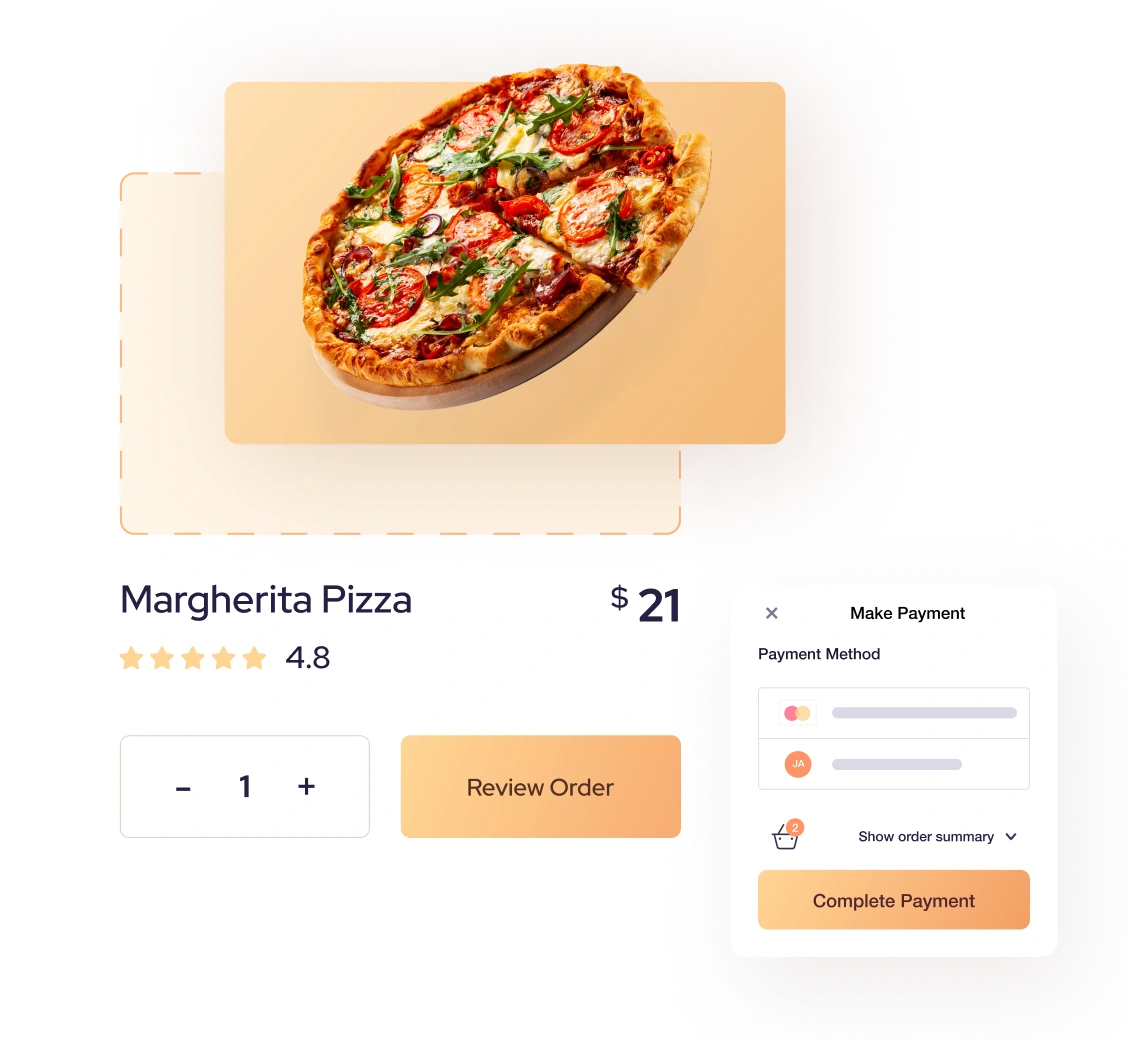
The good news is that adding digital wallet payments to your online store is much easier than it sounds. You don’t need to be a coding wizard; you just need to choose a payment partner that makes it simple.
Here are the basic steps to get digital wallets working on your website:
- Choose a payment processor that supports digital wallets for e-commerce.
- Set up a secure checkout page.
- Add the digital wallet buttons to your website.
1. Choose a payment processor that supports digital wallets
The first and most important step is to make sure you’re working with a payment processor that offers built-in support for digital wallets like Apple Pay and Google Pay. Providers like Helcim make this a core part of their service, so you don't have to find and integrate different solutions for each payment type. Your payment provider handles the technical heavy lifting, ensuring that the process is secure and compliant with industry standards.
2. Set up a secure checkout page
Once you’ve chosen your payment partner, you'll need a secure checkout page on your website. This is where your customer will enter their shipping and payment information. Most modern payment processors, including Helcim, provide simple tools or plugins that allow you to create a secure, branded checkout page without needing to write a single line of code. For those with a more custom setup, your payment processor will provide the necessary code or payments API to securely embed the payment form on your site. Learn more ways to take payments on your websites.
3. Add the digital wallet buttons to your website
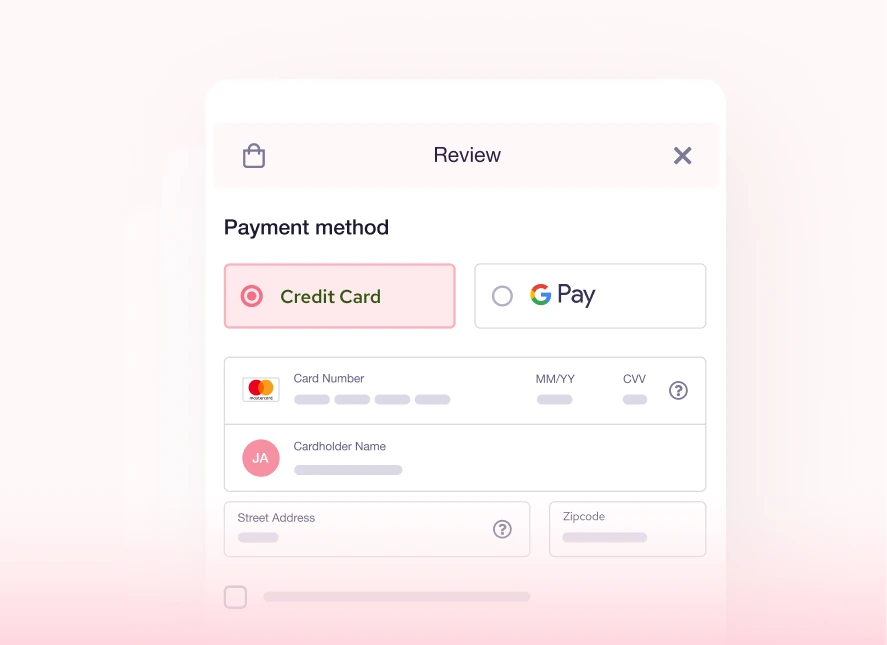
Once your checkout is set up, adding the digital wallet buttons is the final step. For most e-commerce platforms like Shopify or WooCommerce, this is often as simple as checking a box in your payment settings. For a custom website, your payment processor will give you a small snippet of code to place on your checkout page. These buttons will only appear for customers who are using a compatible device and browser, making the checkout experience seamless and fast. The best part? The process is instant, secure, and helps you reduce abandoned carts by providing your customers with a faster way to pay.
Can digital wallets be used for international transactions?
Yes, digital wallets can be used for international transactions, and this works for both in-person and online payments. The key thing to remember is that a digital wallet is essentially a secure container for a customer's credit or debit card, so its international capabilities are tied directly to the card linked to it.
When a customer makes a purchase with their digital wallet in another country, the transaction is processed just like a normal international card payment. The card issuer (the customer's bank) handles the currency conversion and any foreign transaction fees that might apply. For you, the business owner, the process is seamless—you simply accept the digital wallet payment as you would a local one, and your payment processor handles the rest. This makes it a great option for businesses that serve international customers, whether they're travelers in your store or online shoppers from another country.
Which payment processors integrate with digital wallets like Apple Pay or Google Pay?
The good news is that most modern payment processors have already integrated with digital wallets like Apple Pay and Google Pay. This means you likely won't have to search for a special provider just to accept these payments.
However, the key is to choose a processor that not only offers this feature but also makes it easy and affordable. For example, Helcim's payment terminals are NFC-enabled right out of the box, so you can accept contactless payments from a digital wallet without any extra setup. For online businesses, the Helcim Online Checkout automatically includes Apple Pay and Google Pay as payment options, giving your customers a fast, one-click checkout experience. The goal is to choose a partner that makes accepting all payment methods, including digital wallets, a seamless and affordable part of your day-to-day business.
How do I set up digital wallet payments with Helcim?
Setting up digital wallet payments with Helcim is designed to be simple, whether you're taking payments in-person or online. The best part is that you don't need a bunch of complicated hardware or software to get started.
Here’s a quick summary of how it works:
- For in-person sales, you just need a Helcim Card Reader, Smart Terminal or the "Tap to Pay on iPhone" feature.
- For online sales, you just use the Helcim Online Checkout.
1. For in-person payments, just use your Helcim terminal
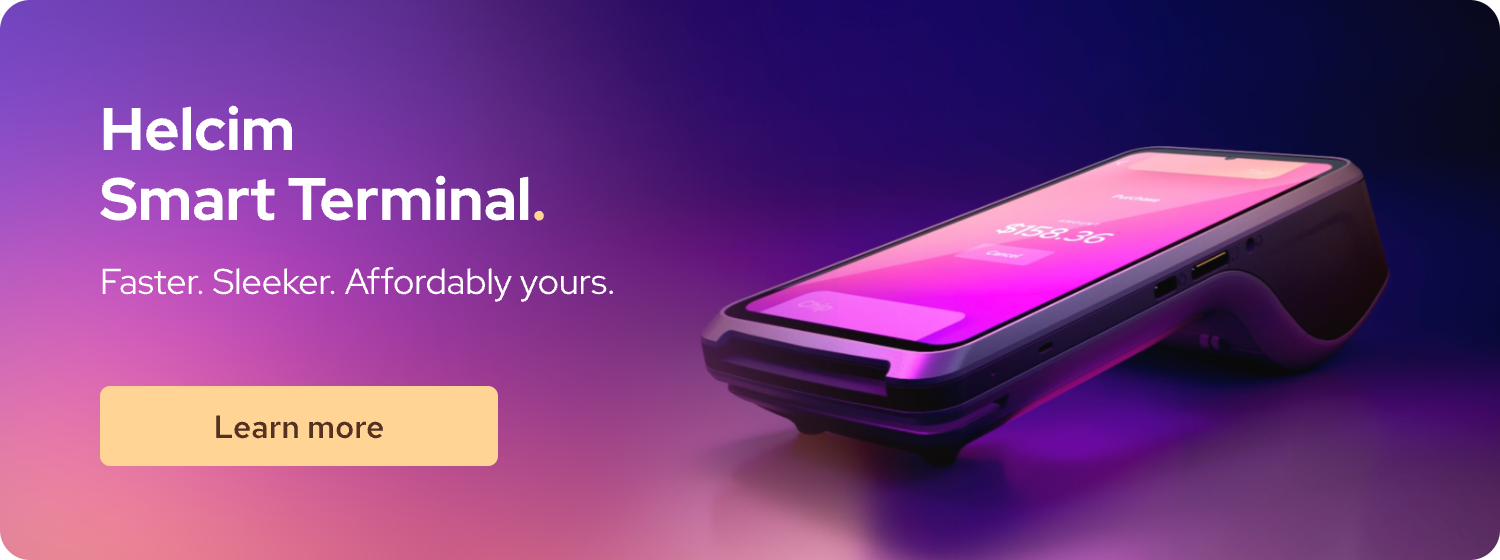
If you're already using a Helcim Smart Terminal or Card Reader, you're all set! All of Helcim's POS systems are equipped with NFC technology right out of the box. There's no extra setup or steps you need to take. When a customer wants to pay with their digital wallet, you simply enter the amount and have them tap their device on the terminal, just like they would with a regular contactless credit card.
Helcim also offers a "Tap to Pay on iPhone" feature for US merchants, which lets you accept contactless payments directly on your iPhone without any extra hardware.
2. For online payments, Helcim has several options
If you sell products or services online, integrating digital wallets is just as easy. Helcim offers a few different ways to get set up, and they're all designed to be a seamless, one-click experience.
- Helcim Online Checkout: This is a fully-hosted, ready-to-go online store where you can sell your products. It automatically detects if a customer is using a digital wallet-compatible device (like a Mac with Apple Pay or an Android phone with Google Pay) and presents that option at checkout.
- Helcim Payment Pages: If you don't have a full e-commerce store but still need a secure way to take payments, you can use Helcim's Hosted Payment Pages. You simply create a secure, branded payment link and share it with your customers via email, text, or social media. These pages also include digital wallet payment options for a fast checkout.
- HelcimPay.js: For businesses that have a custom website and a developer, HelcimPay.js provides a secure, embeddable payment modal. This tool allows you to add digital wallet buttons directly to your own site's checkout page, giving you complete control over the design and customer experience while keeping payment data secure.
Whether you're selling in-person or online, Helcim makes it simple to accept the fast, secure, and convenient payments your customers already prefer.

FAQ
Are digital wallet payments safer than credit card payments?
Yes, in most cases, digital wallet payments are considered to be safer than using a physical credit card. The main reason for this is a process called tokenization. When you add a credit card to a digital wallet, the app creates a unique, one-time-use code, or "token," for each transaction. This token is what is shared with the merchant, not your actual credit card number. This means even if a merchant's system is breached, your real card information remains secure. Physical credit cards, on the other hand, transmit the actual card number, which could be more easily exposed if the merchant's system is compromised. Digital wallets also add an extra layer of security through biometric authentication like Face ID or a fingerprint scan.
What are the transaction fees associated with digital wallet payments versus credit cards?
From a merchant's perspective, the transaction fees for digital wallet payments are the same as for a regular credit card payment. This is because a digital wallet is simply a different way to process the same card. The transaction still runs through the same card network (like Visa or Mastercard) and is processed by the same payment processor. Because the payment is considered a "card-present" transaction, it qualifies for the same lower interchange rates as a physical card that has been tapped or dipped.
Which digital wallet is best for peer-to-peer payments?
While Apple Pay and Google Pay can be used for peer-to-peer payments, apps like Venmo, Cash App, and Zelle are specifically designed for this purpose. Zelle is often the fastest and most convenient for many users, as it's built directly into many bank apps and typically offers instant, fee-free transfers. Venmo and Cash App are also popular choices, known for their social features and user-friendly interfaces. It's important to note that while sending money between friends is often free on these apps, there can be fees for instant transfers to your bank account or for using a credit card to fund the payment.
What are the most secure digital wallets available?
The most secure digital wallets are generally considered to be those from major tech companies like Apple Pay, Google Pay, and Samsung Pay. Their security comes from a combination of advanced features. First, they use tokenization to ensure your real card numbers are never shared. Second, they require biometric authentication or a strong passcode to approve every transaction. Finally, they use a secure element on the device itself to store the encrypted card information, keeping it isolated from other apps and data. This layered approach to security makes it extremely difficult for a thief to access or use your payment information, even if your phone is lost or stolen.
Related Articles
-

What is a Contactless Payment?
Darren Belgrave | July 16, 2024
-
What is Apple Pay and How Does it Work?
Nic Beique | November 17, 2022
-
EMV vs. NFC Payments: Understanding the Difference
Miranda Russell | October 13, 2022
-
Android Pay (Now Google Pay): What You Need To Know
Nic Beique | October 15, 2021
-
NFC and Contactless Payments Explained
Danny Randell | June 2, 2021
