
-
Content
We've all heard it from friends: "I'll just Venmo you," or "Just send me the money." Paying with a tap on our phones is now second nature.
If that’s how people prefer to pay each other, why should paying your business be stuck in the past? The days of bulky cash floats, waiting for checks to clear, and turning away customers who only carry their phone are fading fast. A mobile payment app is no longer optional—it's essential. But with a sea of options out there, choosing the right one can feel overwhelming.
This guide will help you navigate the noise and choose a cost-effective, reliable solution that can grow with your business.
First things first, what is a mobile payment app?
A mobile payment app is a software application on a smart device, like a smartphone or tablet, that allows users to accept or send electronic payments.
It can be classified two ways:
1. Mobile payment app to send payments
Many mobile payment apps function as a digital wallet, securely storing credit cards, tickets, passes, and other digital assets for convenient access. This can be used more by your customers. These apps securely store payment information, enabling quick and easy transactions across various devices. Additionally, mobile payment apps let its users pay bills directly from their devices and store loyalty cards digitally, making rewards tracking and bill payments more convenient.
2. Mobile payment app to accept payments
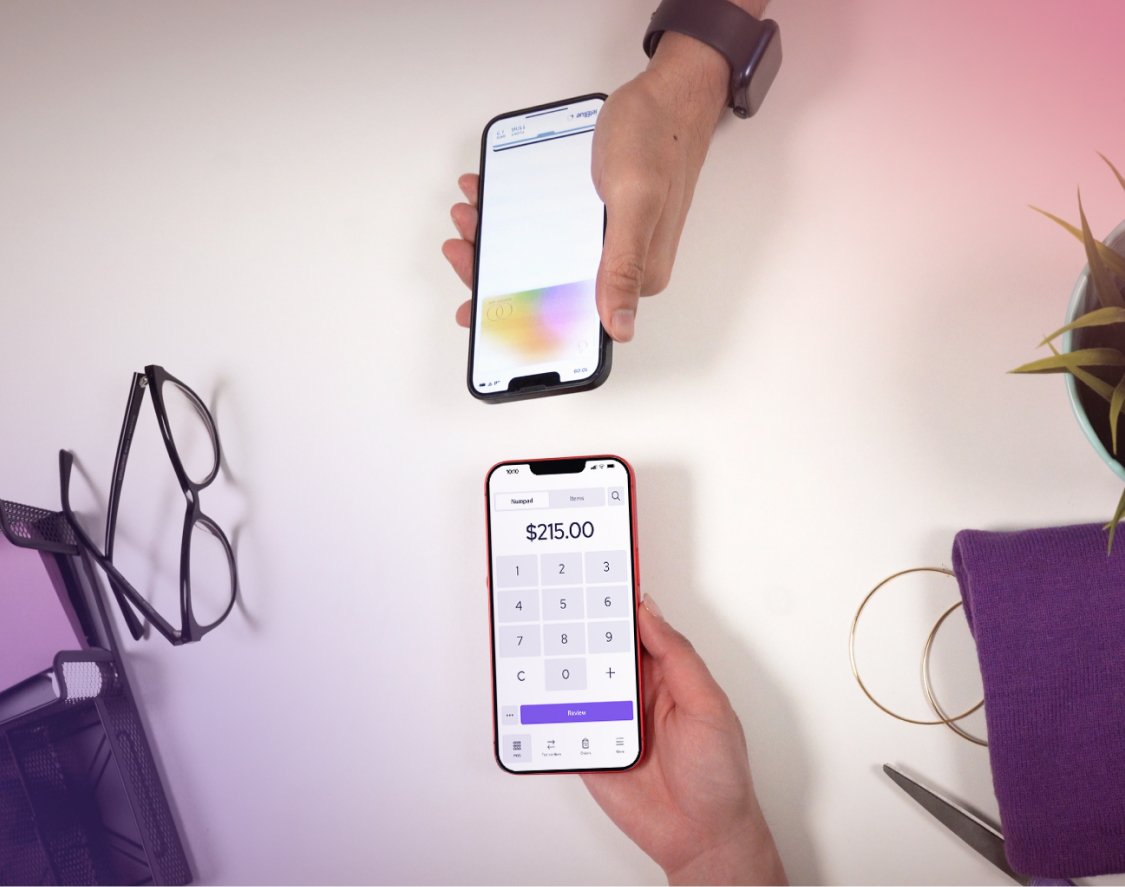
Now for businesses like you, a mobile card payment app transforms a smartphone and other compatible devices into a powerful point-of-sale (POS) system, making it easy to accept payments anywhere, anytime. These apps support online and contactless payments using technologies like NFC (near-field communication), allowing secure, tap-to-pay transactions.
For this article, we will be focusing on this more and how you can leverage this technology to increase the receivables for your business.
How do mobile payment apps work?
Mobile payment apps make transactions fast and secure. On the backend, they use advanced security features like tokenization and encryption. This means your customer's actual card number is never transmitted or shared with you as the merchant. Instead, a unique, one-time code is generated for each transaction.
From a practical standpoint, the process for a business owner is simple:
- Initiate the payment: In your app, you can enter a payment amount for in-person sales or send a digital invoice or payment link for remote payments.
- Secure authorization: The app securely communicates between your business, the payment processor, and the customer’s bank to authorize the payment in seconds.
- Confirmation and payout: You and your customer both receive instant confirmation. The funds (minus fees) are deposited into your bank account, and the corresponding invoice is automatically marked as paid.
How do I accept payments using mobile payment apps?
A flexible mobile payment app gives you multiple ways to get paid, ensuring a convenient experience for every customer. Here are different ways you can accept payments with mobile payment apps:
- Virtual terminal: Manually key in your customer’s credit card details directly into the app or a web browser—perfect for taking payments over the phone.
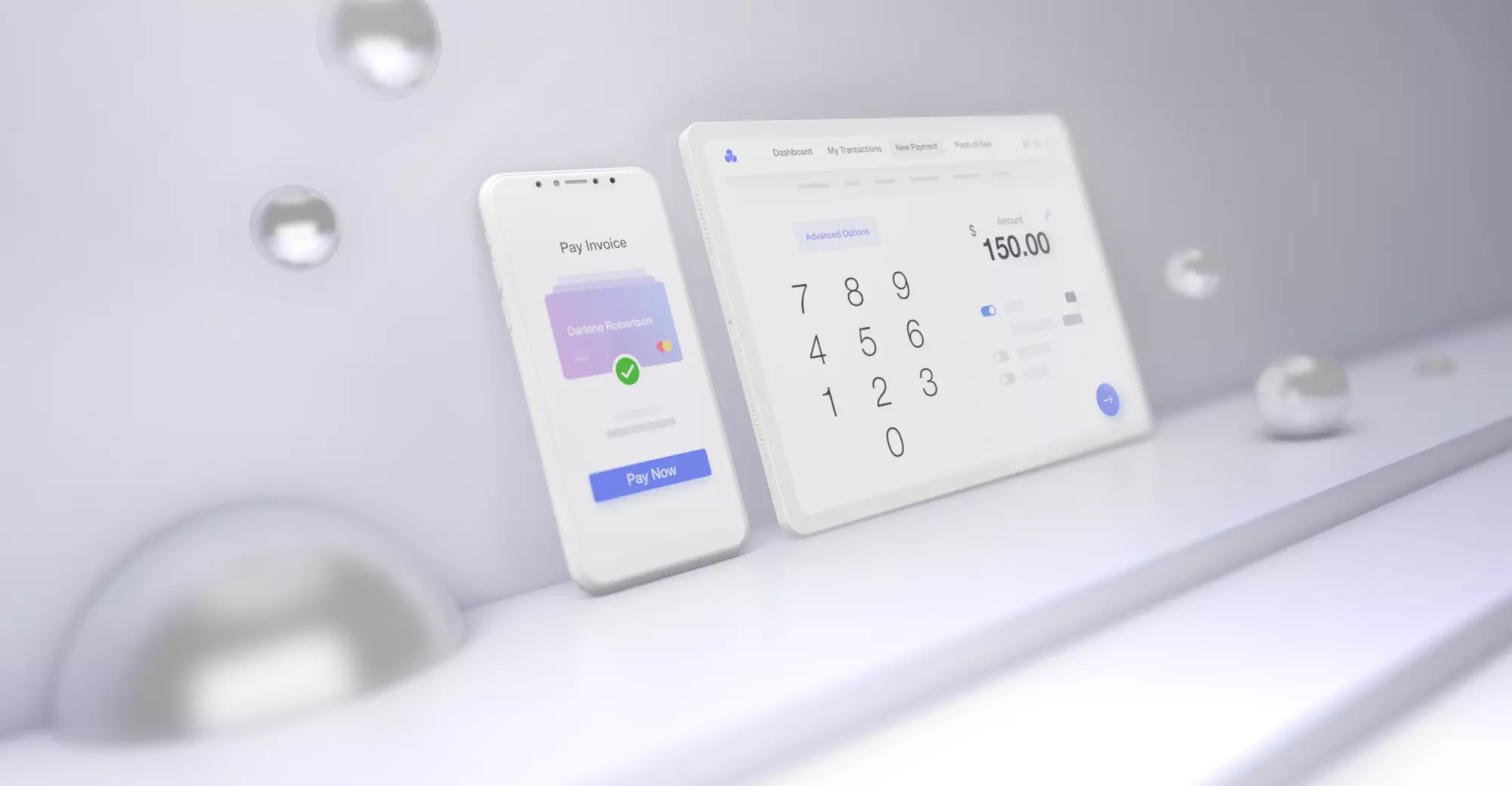
- Digital invoicing: Send professional invoices with a "Pay Now" button directly to your customers' inboxes.
- Payment pages & links: Create a simple, hosted payment page or a reusable link you can share via text, social media, or on your website.
- Recurring payments: Set up automatic billing for subscriptions or payment plans to ensure you get paid on time, every time.
- POS hardware: Use a mobile card reader synced with your app to accept in-person tap, chip, and swipe payments.
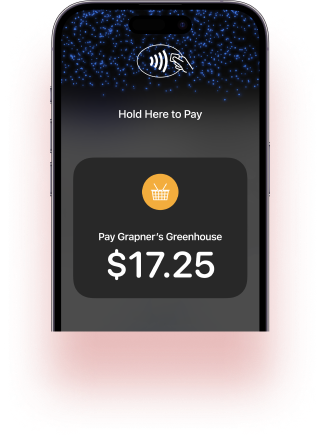
- Tap to pay on phone: Some apps allow you to accept contactless card and mobile wallet payments directly on your compatible smartphone, with no extra hardware needed.
How to choose the right mobile payment app for a small business
Choosing the right partner goes deeper than picking the lowest advertised rate. To find the best mobile payment app for your business, you need to evaluate the complete picture, starting with your own operations.
1. Understanding your business needs
Before comparing apps, take stock of how you operate. Answering these questions will help you filter out providers that aren't a good fit:
- Where do you sell? Do you primarily make sales in-person (requiring a reliable card reader) or online? A good provider should excel in your primary sales environment.
- How do you bill? Do you need to send one-time invoices, or do you require recurring billing for subscriptions and payment plans?
- What payment types do you need? While all providers accept credit cards, do you also need to accept ACH bank payments? This is a lower-cost option for large transactions, but not all mobile payment apps offer it.
2. Scrutinize the fee structure and not just the published rate
Once you know what you need from a payment app, the most critical question is: what will it actually cost? The "rate" you see advertised is rarely the full story. To find a truly cost-effective partner, you must look beyond the published number and understand the pricing model they use.
You'll generally encounter these pricing models:
Flat-rate pricing: You're charged one consistent rate for every transaction.
- Pro: It's simple and predictable.
- Con: You almost always overpay on lower-cost transactions (like debit cards) to subsidize the provider's cost for high-end rewards cards.
Interchange-plus pricing: You're charged the true wholesale cost of the transaction ("interchange") plus a small, fixed markup.
- Pro: This is the most transparent model. It's almost always more affordable as your business grows, and the best providers, like Helcim, even offer automatic volume discounts, lowering their markup as your sales increase.
- Con: The monthly statement is more detailed, but this is a benefit as it shows you exactly what you're truly paying for.
Usage-based software pricing: Some apps use a "freemium" model where a free plan is limited (e.g., 10 invoices/month), and you are charged per-item fees or forced to upgrade to a paid monthly plan to exceed those limits.
- Pro: You can start with little to no financial commitment.
- Con: Your success triggers mandatory costs, penalizing you for having a busy month and making costs unpredictable.

3. Look for pesky hidden fees or limiting contract terms
The true cost of a service isn't always on the price tag. An attractive rate means very little if it comes with a restrictive, multi-year contract. This is why, after scrutinizing the fees, you must also examine the terms of the agreement.
Beyond the fees, your provider's contract policy is critical. A partner should empower your business, not trap it in a long-term commitment. Look for a mobile payment app with a clear "no-strings-attached" policy and look for pesky little fine lines such as locked-in periods, early termination fees, cancellation penalties.
4. Look for a provider with stellar support
When a payment fails or you have a question, who can you call? Many large providers outsource their support or limit you to email and help forums—or worse, endless FAQ loops. Prioritize companies that offer accessible and helpful customer support. Speaking directly with a knowledgeable human who can solve your problem quickly is invaluable. AI SDR systems can also play a vital role by efficiently routing inquiries and providing instant, accurate responses before connecting you to a live agent.
5. Ensure you’re getting the bang for your buck with all-in-one tools
The best providers give you a full suite of tools to run your business without charging extra monthly fees or using a limiting "freemium" model. For example, a provider like Helcim gives you access to its entire suite of payment tools—including invoicing software, a virtual terminal, and online checkout—with just one free account. This saves you from needing multiple expensive software subscriptions and simplifies your operations.
A comparison of popular mobile payment apps for small businesses
Now that you're armed with the key criteria for choosing a payment partner, let's see how some of the most popular options stack up. The following comparison evaluates top contenders based on the factors we've just discussed—from their pricing models to the value of their included tools.
| Feature | Helcim | Square | Stripe | PayPal |
|---|---|---|---|---|
| Fee structure |
Transparent interchange-plus (often the lowest cost for growing businesses) |
Flat-rate (2.6% + 10¢ in-person) | Flat-rate (2.9% + 30¢ online) | Flat-rate (2.99% + fixed fee) |
| Monthly fees | None | None for basic plan | None for basic plan | None for basic plan |
| Customer service | Phone and email support with an in-house team | Phone, email, and community forum | Phone, email, and chat support | Phone, email, and help center |
| Platform compatibility | iOS, Android, Web, Windows | iOS, Android | iOS, Android, Web | iOS, Android, Web |
| Tools | Virtual Terminal, Invoicing, Recurring Payments, Point of Sale (POS), Online Store, Customer Portal | Virtual Terminal, Invoicing, POS, Recurring Payments (Paid Plan), Advanced Team and Table Management (Paid Plan) | Virtual Terminal, Invoicing, Recurring Payments, Advanced Features (Extra Cost) | Invoicing, Virtual Terminal (Paid Plan), Recurring Payments (Paid Plan), Point of Sale (Zettle) |
| Best for | Cost-conscious and volume-heavy SMBs looking for transparent pricing and all-in-one tools without monthly fees. | In-person retail and services with table-inventory management needs, such as cafés and restaurants. | Online businesses and developers needing customizable payment APIs for websites and apps. | E-commerce and sole proprietors seeking a fast, widely recognized, and easy-to-set-up payment option. |
How secure are mobile payment apps?
Mobile payment apps are extremely secure, often more so than traditional credit card terminals. This is because they rely on several layers of advanced security to protect both you and your customers.
The key security features are:
- Tokenization: When a customer pays, their actual card number is never stored on your device or transmitted. Instead, the app creates a unique, one-time-use code (a "token") for the transaction. This means even in the unlikely event of a data breach, there is no sensitive card information to steal.
- Encryption: All payment data is encrypted from the moment it's captured until it reaches the secure payment processor, making it unreadable to any unauthorized parties.
- PCI compliance: Reputable providers adhere to strict Payment Card Industry (PCI) standards, which are a set of rules designed to ensure that all companies that process, store, or transmit credit card information maintain a secure environment.
Because of these features, using a mobile payment app significantly reduces your liability and the risk of fraud.
How to get and set up for a mobile payment app
Ready to start accepting payments using a mobile payment app? The good news is that setting it up is a quick and easy process. Here’s a simple breakdown of the steps:
- Choose your provider. First, use the criteria we've discussed (pricing model, features, support) to select the payment provider that best fits your business needs.
- Sign up for an account. Go to the provider's website and sign up for a merchant account. You'll need to provide some basic information about yourself and your business, such as your business name, address, and industry type.
- Download the app and link your bank account. Once your account is approved, download the provider's mobile app from the App Store or Google Play or even a workstation app if they have one. Follow the in-app instructions to securely link your business bank account where your funds will be deposited.
- Order hardware (if needed). If you plan to take in-person payments, order a mobile card reader from your provider. They often have various options, from simple tap-and-chip readers to more advanced POS terminals.
- Start accepting payments. Once your app is set up and you have your card reader, you're ready to go. You can start creating invoices, sending payment links, or taking in-person payments immediately.
Frequently Asked Questions (FAQ)
Are mobile payment apps safe?
Yes, they are extremely safe. Mobile payment apps use advanced security features like end-to-end encryption and tokenization, which means your customer's actual card number is never stored on your device or shared during the transaction. This makes them one of the most secure ways to accept payments.
Are mobile payment apps safer than payment terminals?
In many ways, yes. The core technology is safer because mobile payments use tokenization, which protects you from "skimming" attacks common with traditional card swipes. Since the actual card number is never stored on your device, the risk of sensitive data being stolen is virtually eliminated. However, true security is a partnership between you and your provider. While the app is secure, your business must still follow best practices. For example, you would violate PCI Compliance and create significant risk if you were to write down a customer's card number or store it in an unsecured file outside of the app's secure system. Always choose a reputable provider and handle all payment data within their secure environment.
Can mobile payment apps process international payments?
Yes, many top-tier mobile payment apps can process international payments and handle multiple currencies. However, capabilities and fees vary significantly between providers. If you have a global customer base, it's crucial to confirm the provider's international processing features before signing up.
Do mobile payment apps require an internet connection?
Yes, for a transaction to be authorized and completed in real-time, your device needs an active internet connection (either Wi-Fi or cellular data). This connection is required to securely communicate with the payment processor and the customer's bank.
Do mobile payment apps work offline?
Some providers offer an "offline mode" that allows you to accept card payments even without an internet connection. The app securely stores the transaction details and automatically processes them once you're back online. Be aware that this carries a small risk, as you won't know if a card is declined until the payment is processed later.
Related Articles
-
How to set up merchant services for your business
Robert Luong | October 3, 2025
-
The best mobile pos systems for small businesses
Feyi Oladipo | March 11, 2025
-

How to accept mobile payments: A complete guide for small businesses
Feyi Oladipo | September 26, 2024
-
Merchant accounts: Overview, benefits, and cost.
Robert Luong | August 14, 2024
-

What is a Contactless Payment?
Darren Belgrave | July 16, 2024