


Add the copy you’d like to be featured with your post, if you want to leave the suggested LinkedIn copy that is absolutely fine, whatever you feel comfortable with, then press post!
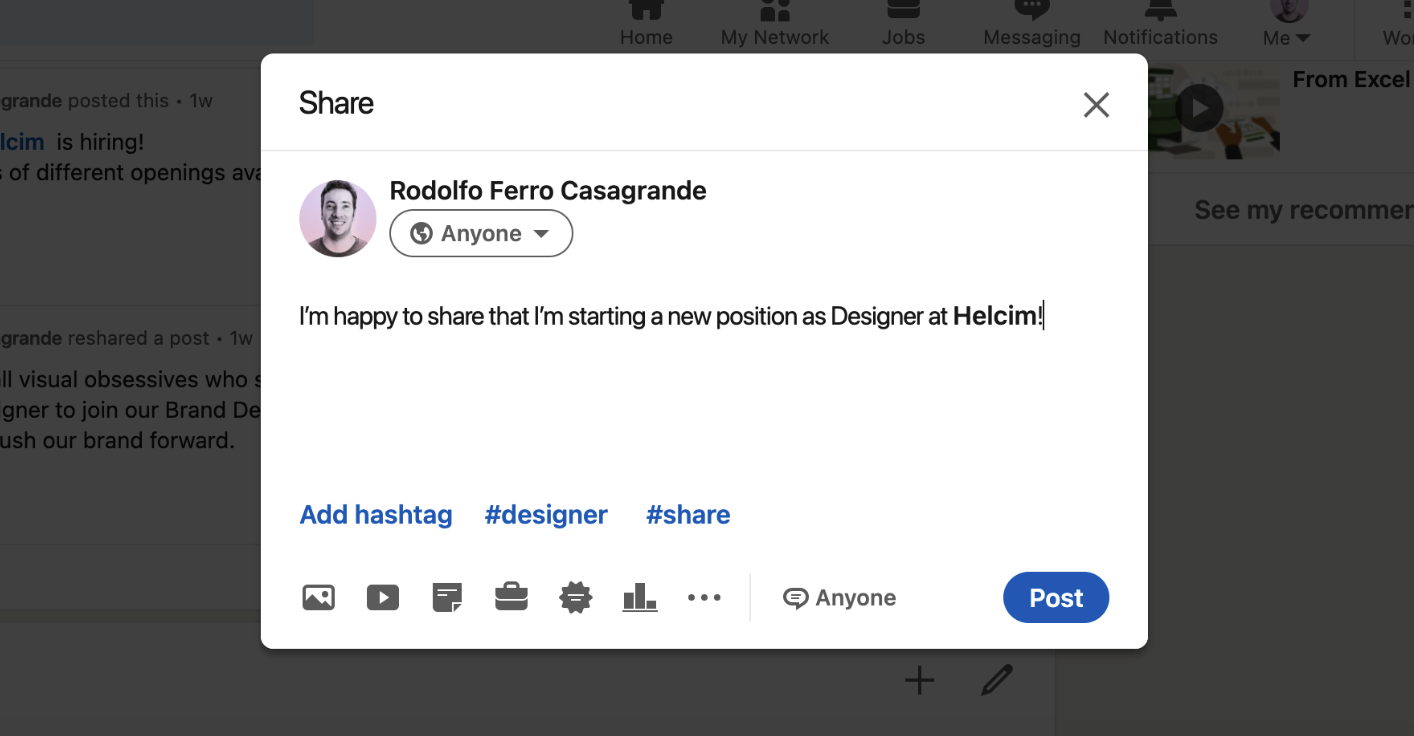
Thanks for sharing your new job update on LinkedIn. We have a great video for you to share on your LinkedIn job update.
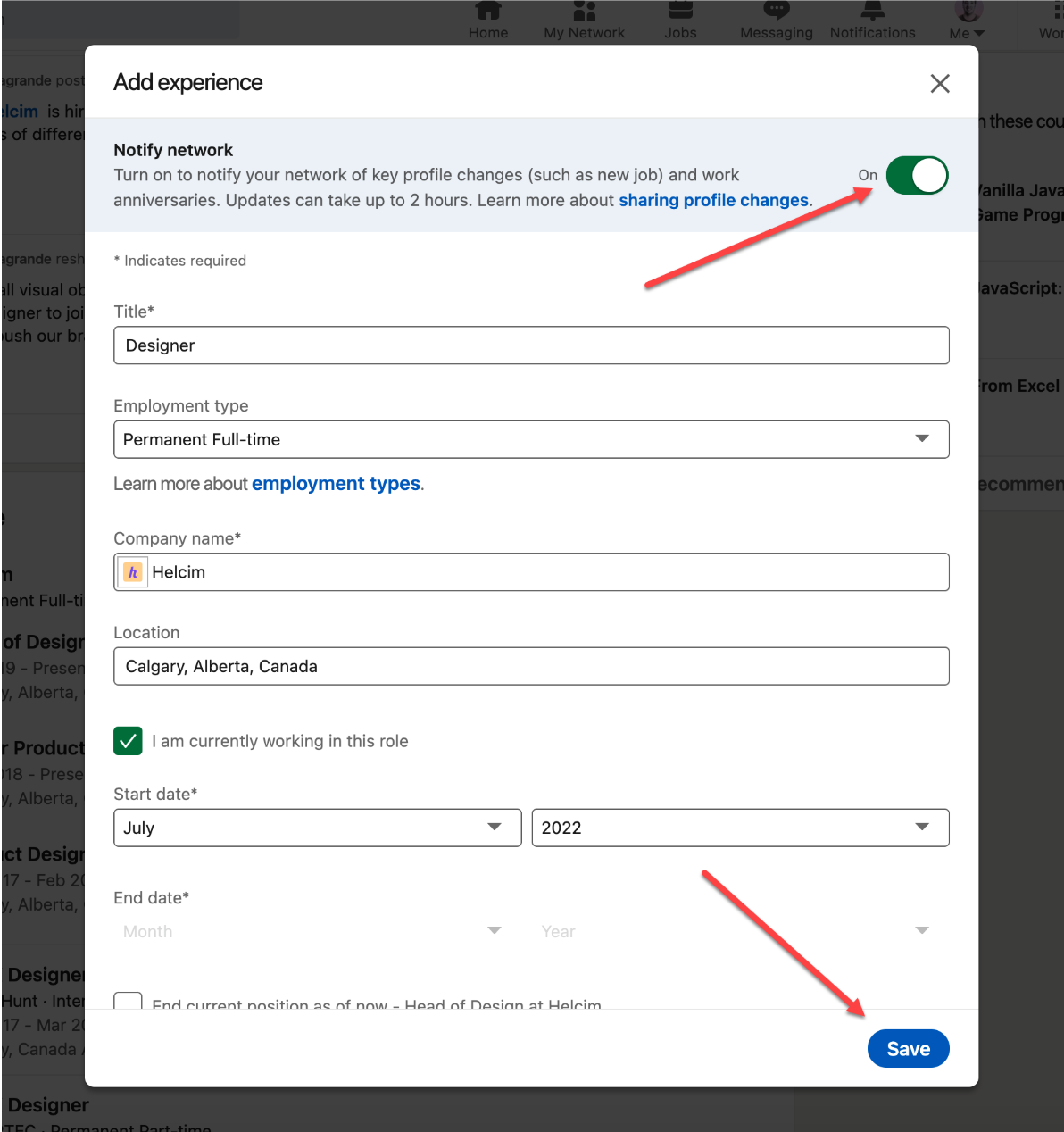
You’ll then see the screen shown below, all you have to do is press next:
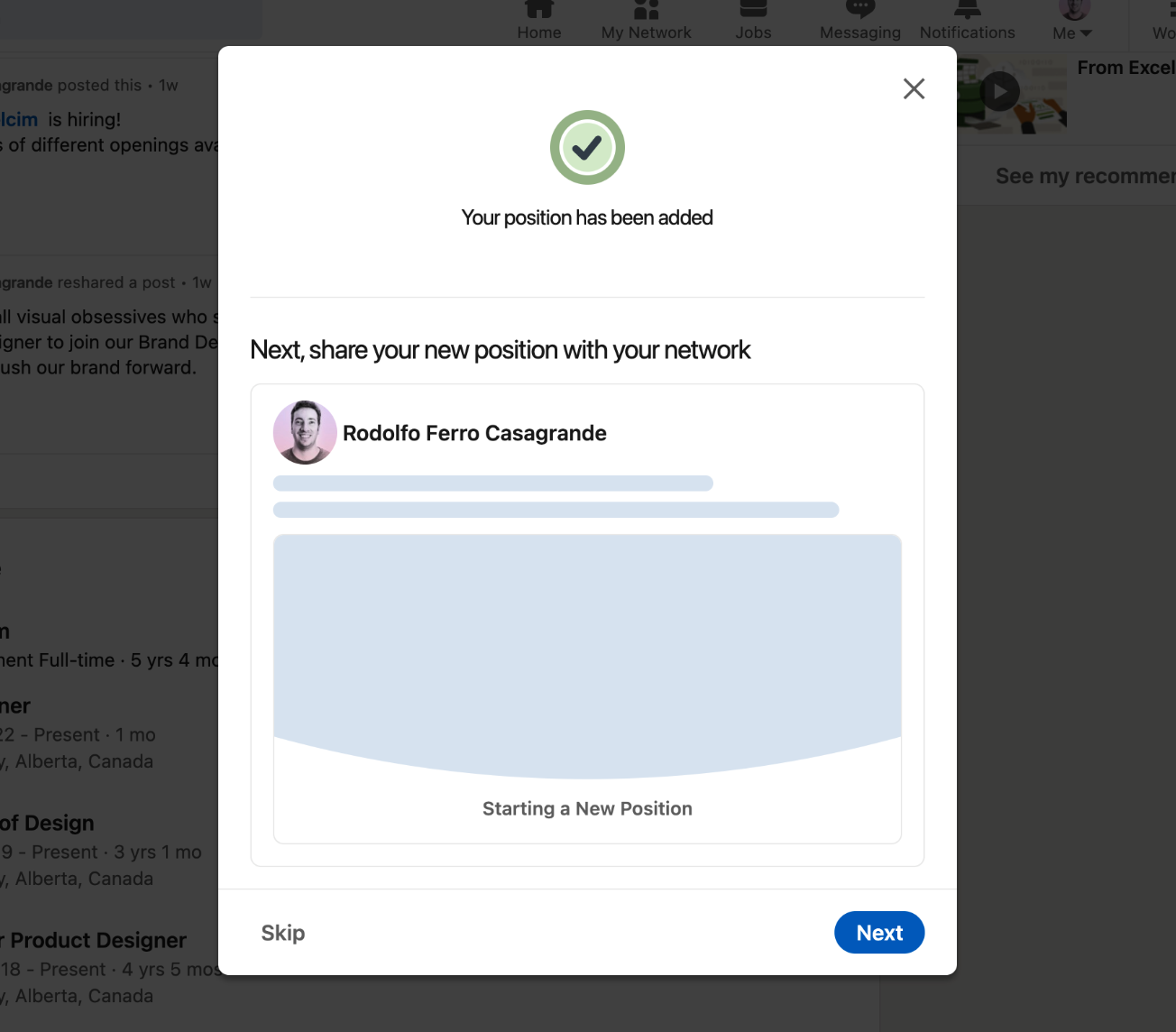
Then follow these steps to upload the Helcim celebration graphic to your profile:
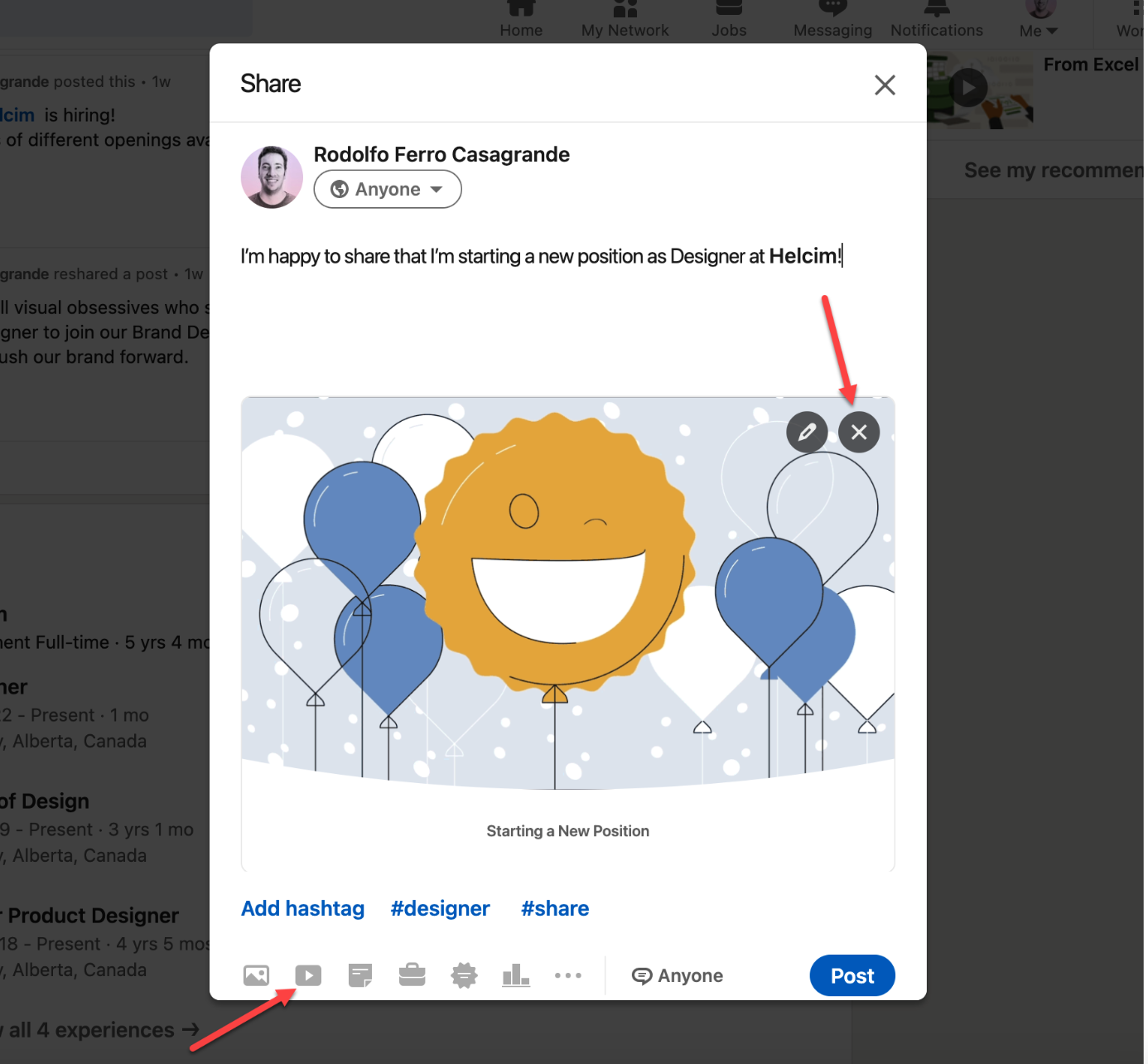
Add the copy you’d like to be featured with your post, if you want to leave the suggested LinkedIn copy that is absolutely fine, whatever you feel comfortable with, then press post!

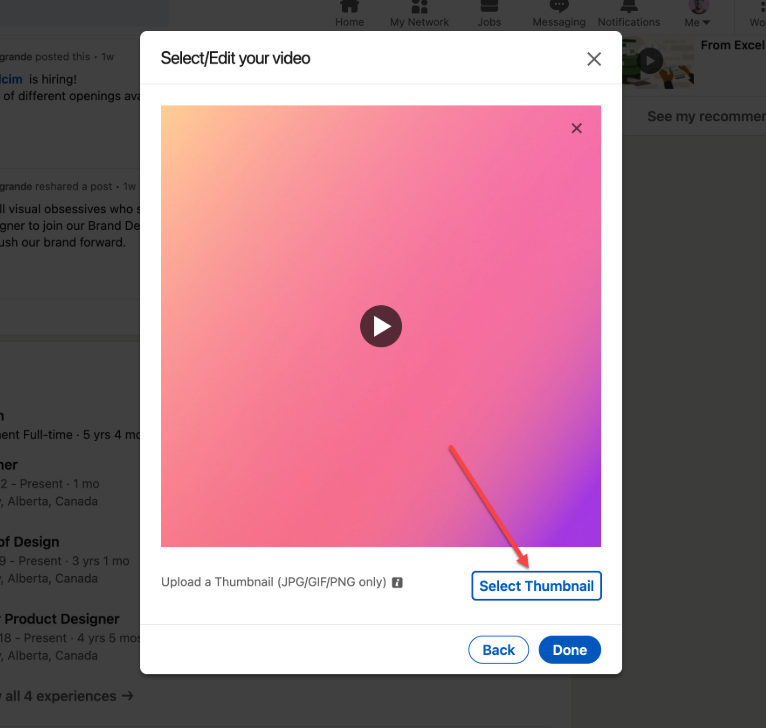
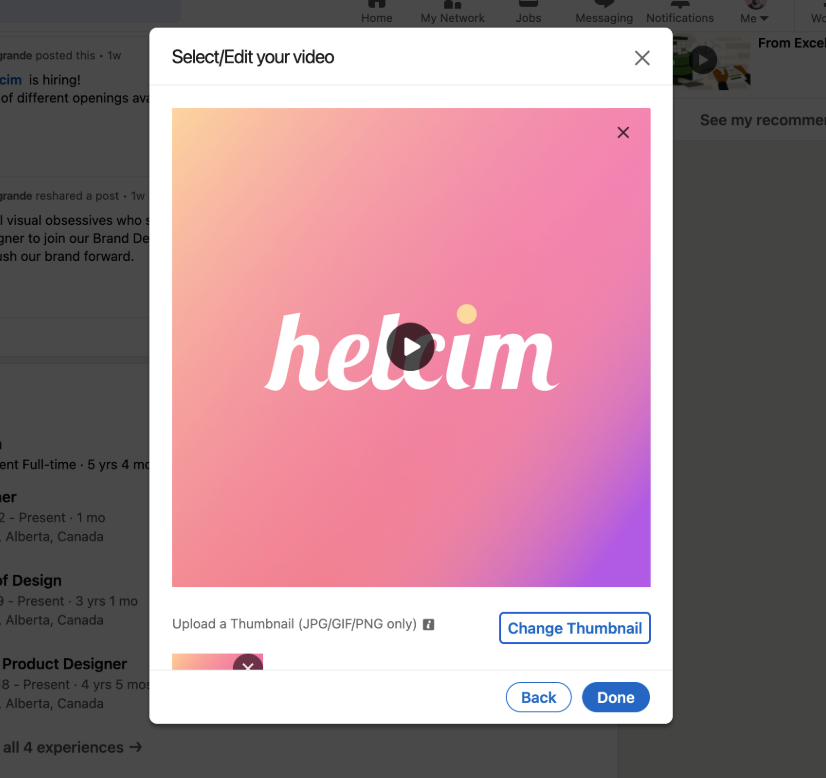
You’ll be guided to a screen where you can upload a thumbnail to your video, all you have to do is upload the thumbnail.

Once you press done, it’s mission accomplished! Your snazzy new hire post is live!
Congratulations again, we can’t wait to see you in the office!