
























Zoho Invoice
Accept lower-cost payments on your Zoho invoices and payment pages.
About extension
Zoho offers a wide suite of business applications including tools for invoicing, CRM, and project management. With the Helcim Payment Extension, you can accept payments on your Zoho Invoices using Helcim’s transparent interchange-plus pricing instead of Zoho’s default payment processor, helping you reduce payment fees while keeping your existing Zoho workflow unchanged.
The Helcim Payment Extension is an independent productivity tool designed to help you work more efficiently across your favorite platforms. Please note that this extension is not a direct API integration and is not officially sponsored, authorized, or endorsed by Zoho Invoice or the third-party software providers it supports. Instead, it acts as a smart bridge in your browser, automating the manual entry of your Helcim payment data into other apps to save you time. We are proud to offer this innovative solution to give you more flexibility and choice in how you manage your business data!
Rate comparison

1.79% + 8¢
Average
2.31% + 25¢
Average
Up to 2.90% + 30¢
Up to 2.90% + 30¢
See how it works
Install Extension
Features
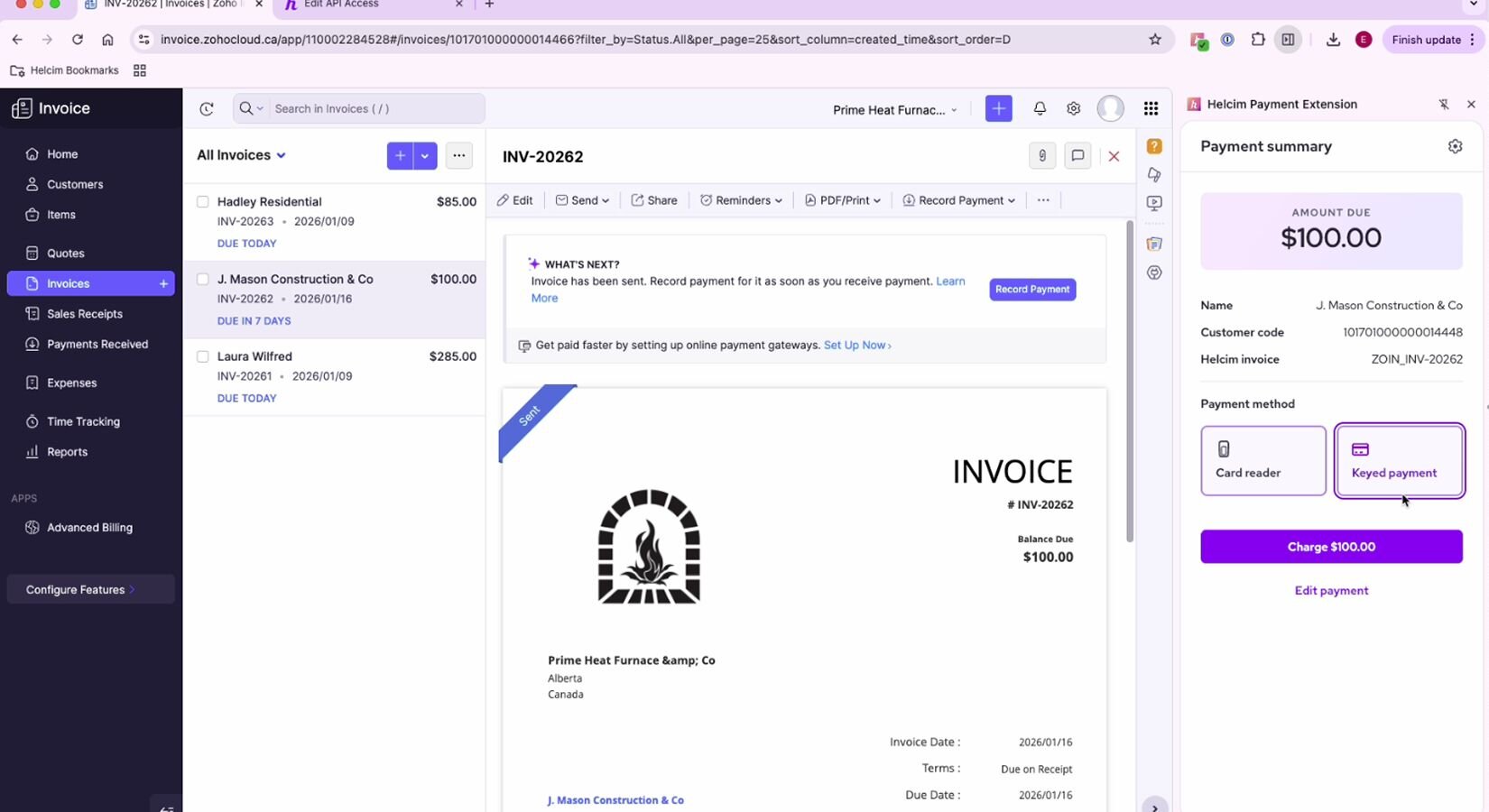
Helcim allows Zoho users to take in-person card payments using Helcim’s payment hardware—something Zoho's own payment tools do not support.
Save on every transaction with Helcim’s interchange-plus pricing, a clearer and often cheaper alternative to Zoho’s built-in payment rates.
All Helcim transactions—online and in-person—sync to your Helcim dashboard for simple tracking and clearer reporting.
Helcim’s PCI-compliant payment tools tokenize customer card data for safer, smoother payments across your Zoho ecosystem.
Already have your customer’s card data with another provider? Helcim offers free card data migration, allowing you to securely transfer your existing customer card information so you can use it with the Payment Extension.
Need to process payments without creating an invoice? POS mode lets you accept custom payment amounts, combined totals, and payments that don’t originate from your third-party software, directly within the Extension.
How it works with Helcim
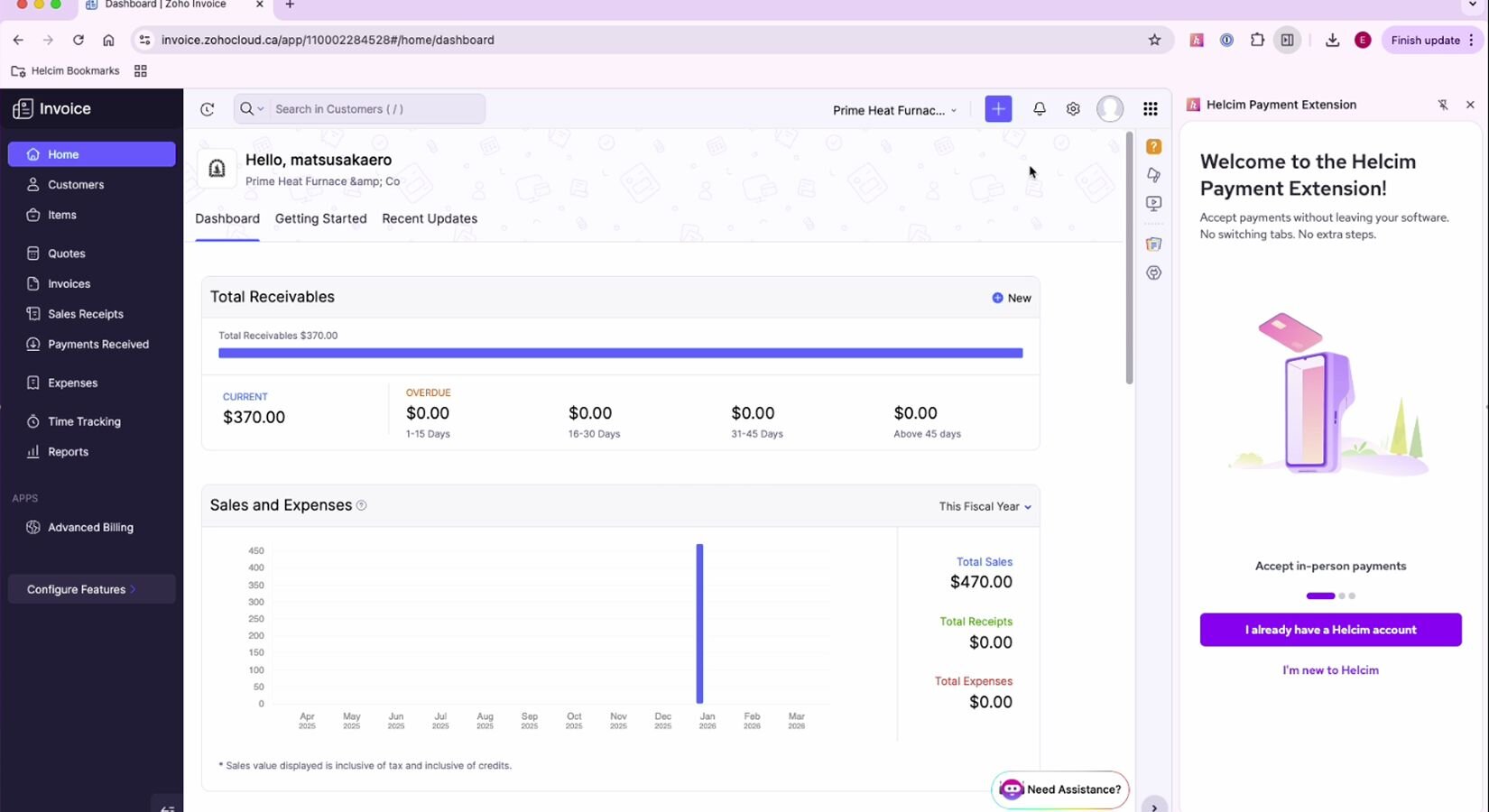
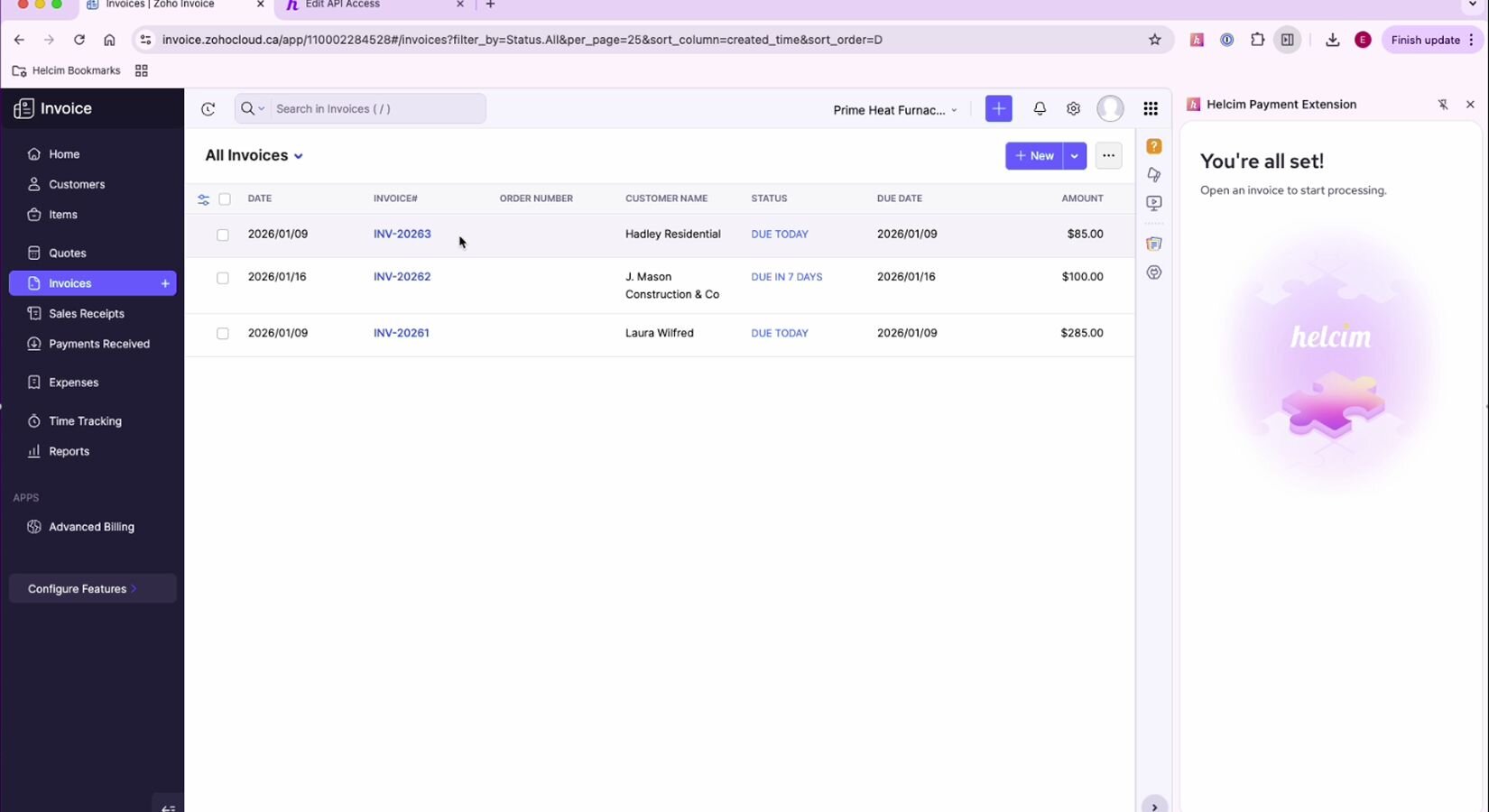
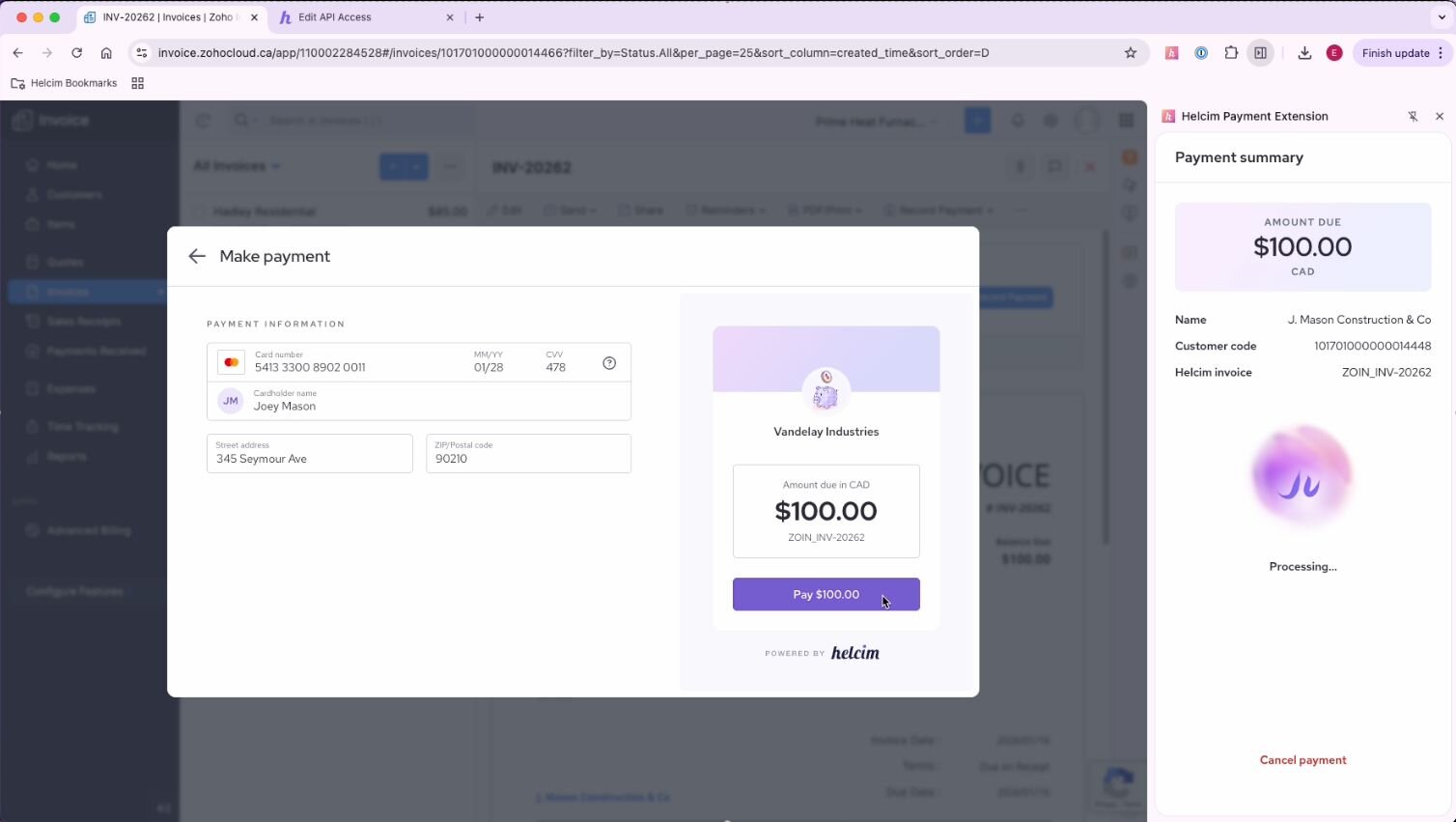
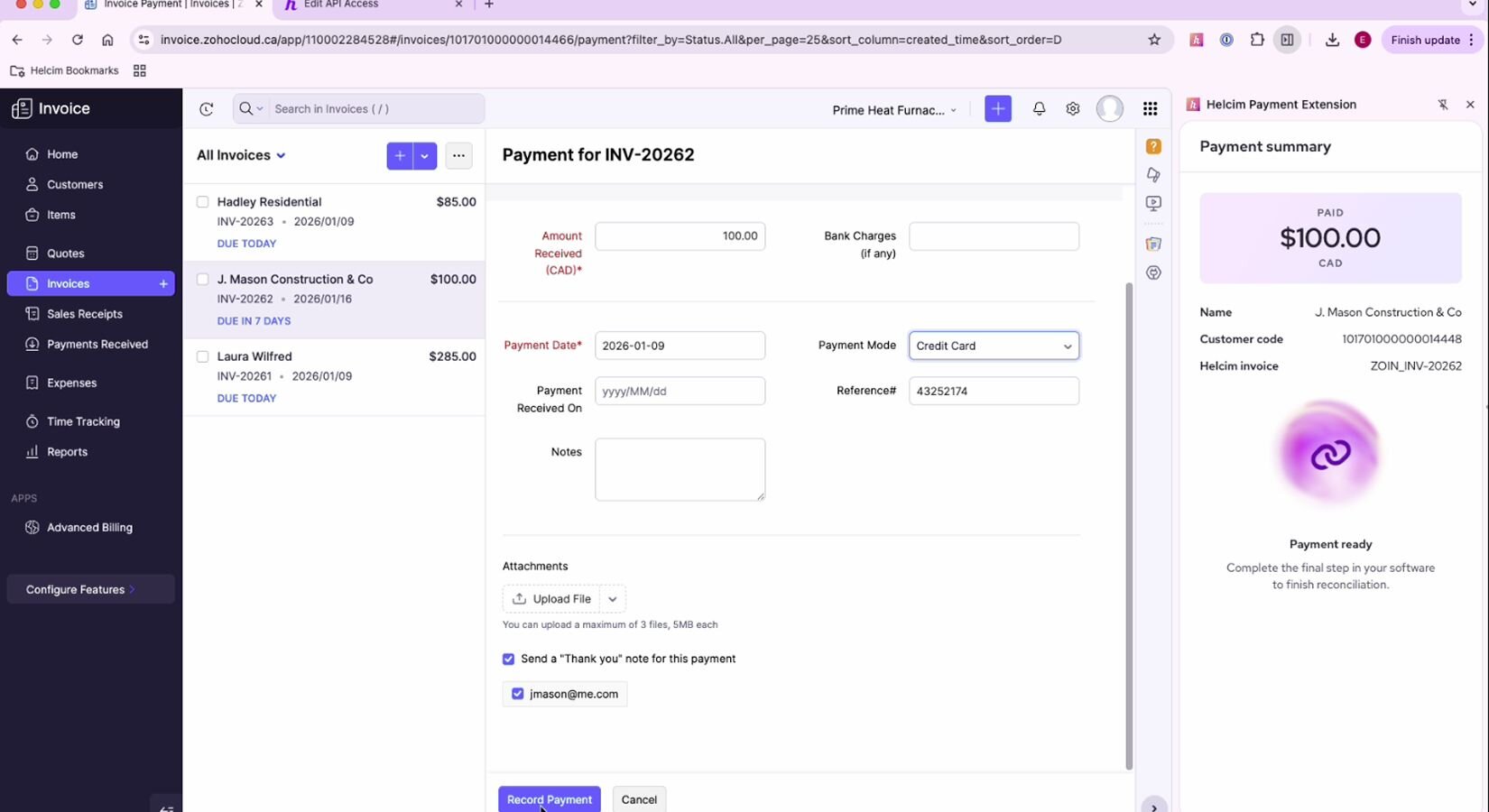
Zoho Invoice with Helcim Payment Extension helps you accept card-present and card-not present Zoho payments at a lower cost. Zoho continues to manage your invoices, customers, and project workflows, while Helcim handles payment processing. Payments sync to your Helcim dashboard for reporting and reconciliation. Since this integration is payment-focused, invoice updates and customer profiles remain managed in Zoho Invoice. Refunds and external adjustments may require manual handling. Users also need to ensure that invoice currency matches your Helcim account currency to avoid syncing issues.Note: The extension currently works with Zoho Invoicing, Zoho Payment Pages, and Zoho Books. If you're using other Zoho tools other than the ones mentioned, please note that these are not supported yet.
Requirements
Setup
Create a free Helcim account. If you already have one, you can skip this step.
Install the Helcim Payment Extension to your browser from the Chrome Store.
Follow the guide that appears after downloading the extension. It will prompt you to log in to your Helcim account to sync the extension, and then select a currency.
If you have a Card Reader Gen 3 or Smart Terminal, you can pair it by copy-pasting your 4-digit device code onto your Payment Extensions tab in Zoho Invoice.
FAQs
Yes — Helcim’s interchange-plus pricing is a lower-cost alternative to your Zoho Invoice’s default payment provider.
Yes — you can integrate Helcim with Zoho using the Payment Extension.
You get lower fees, ability to process card-present transactions, faster workflows, and reduced manual reconciliation across your invoices.
Yes, the extension can be an alternative to Zoho’s built-in payment processor so you can save on costs.