























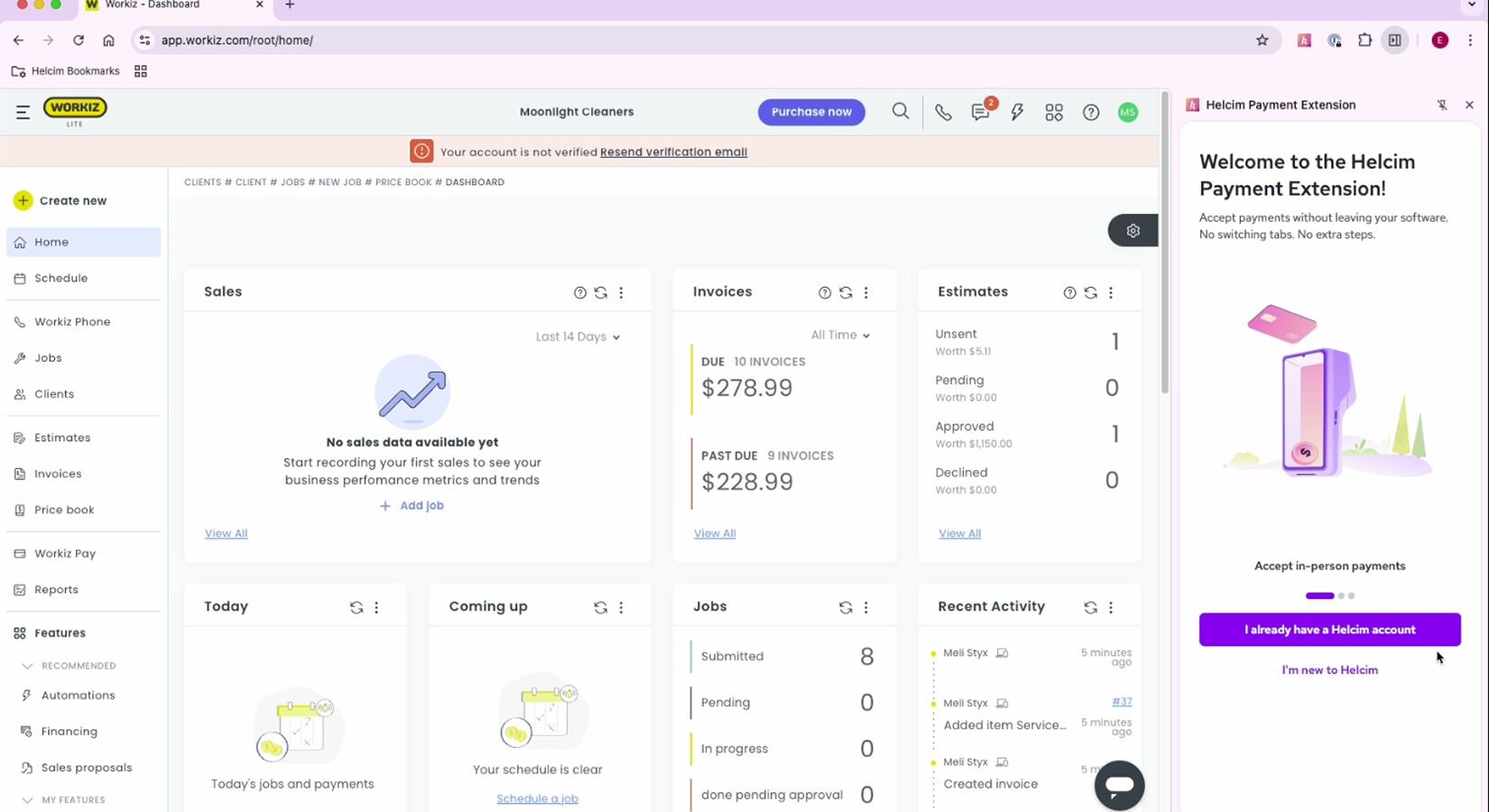
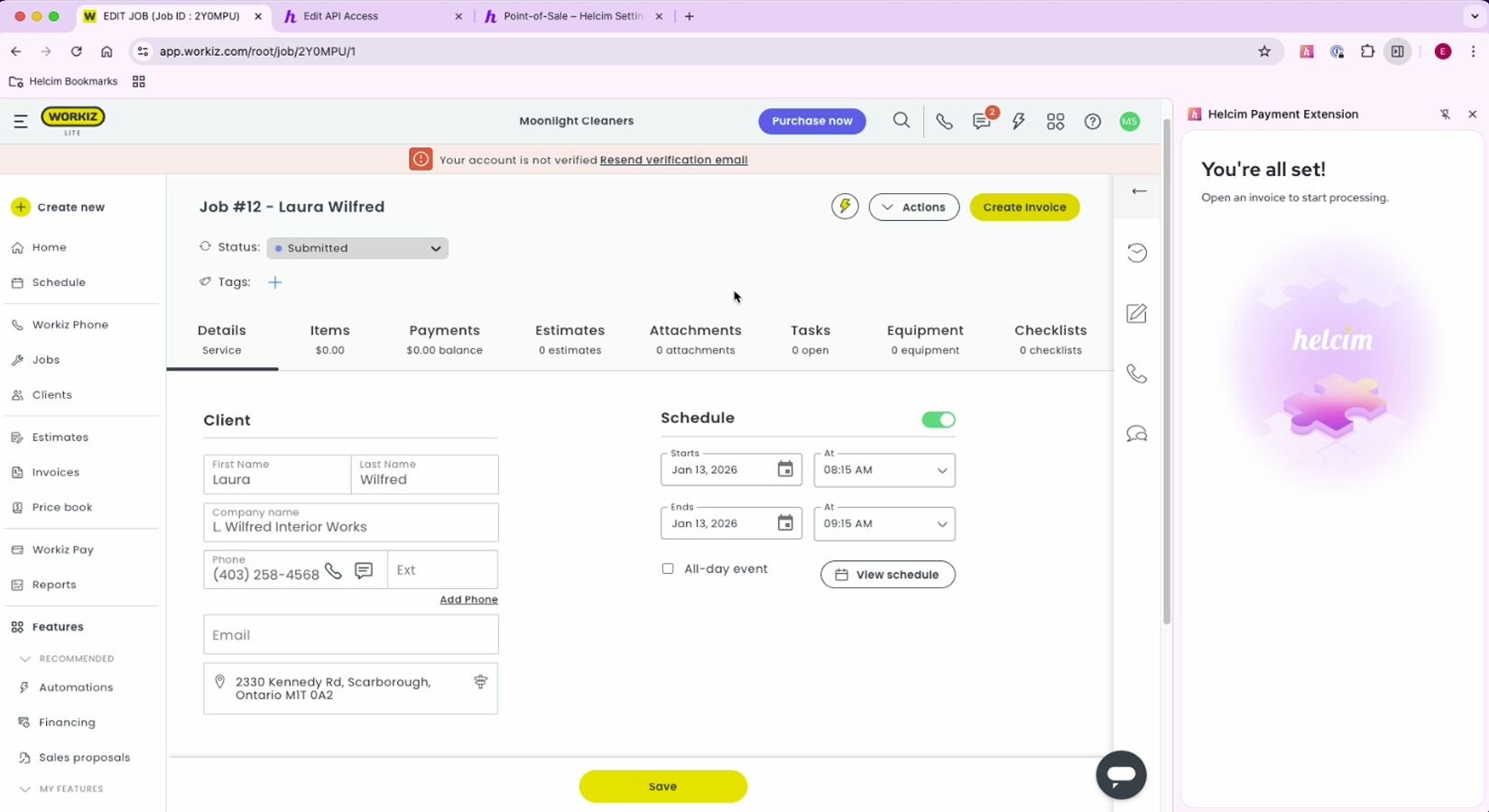
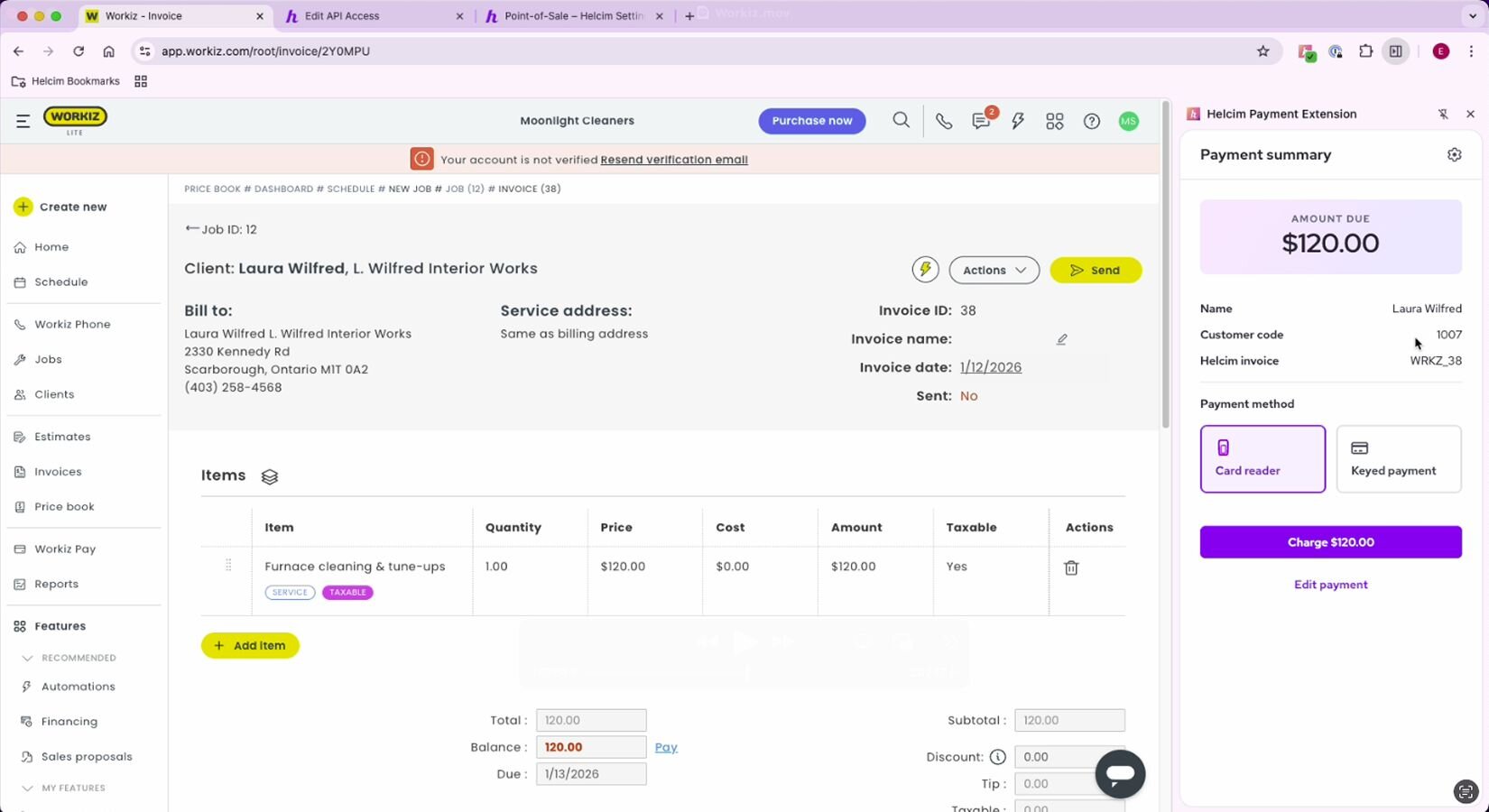
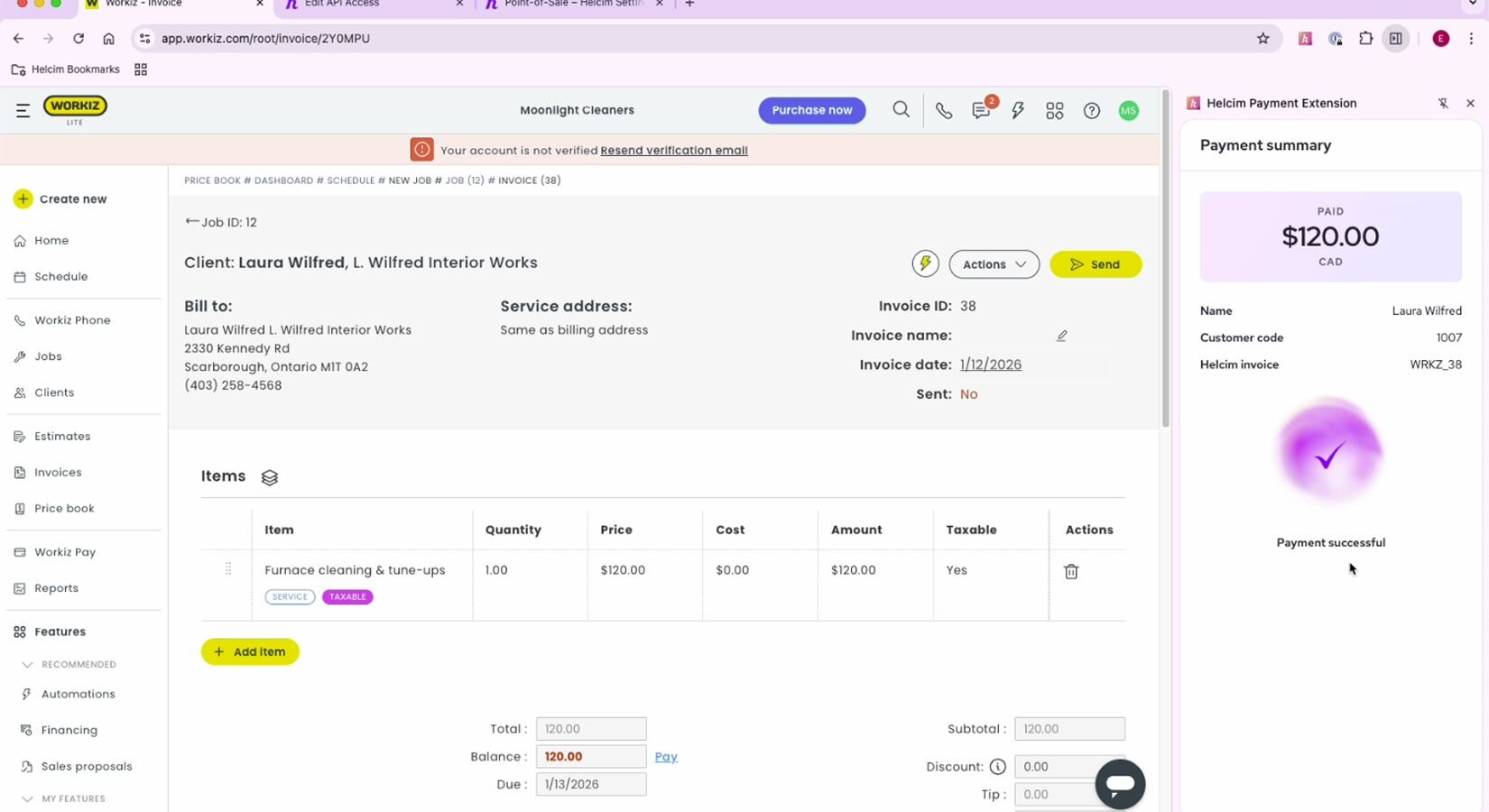
About extension
Workiz helps service businesses manage scheduling, dispatching, and customer communication. Helcim adds secure payment processing without changing workflows.
The Helcim Payment Extension is an independent productivity tool designed to help you work more efficiently across your favorite platforms. Please note that this extension is not a direct API integration and is not officially sponsored, authorized, or endorsed by Workiz or the third-party software providers it supports. Instead, it acts as a smart bridge in your browser, automating the manual entry of your Helcim payment data into other apps to save you time. We are proud to offer this innovative solution to give you more flexibility and choice in how you manage your business data!
Rate comparison

1.79% + 8¢
Average
2.31% + 25¢
Average

Not listed
2.9% + 30¢
See how it works
Install Extension
Features
Reduce double entry and manual updates—payments flow through Helcim while your administrative staff stays in Workiz.
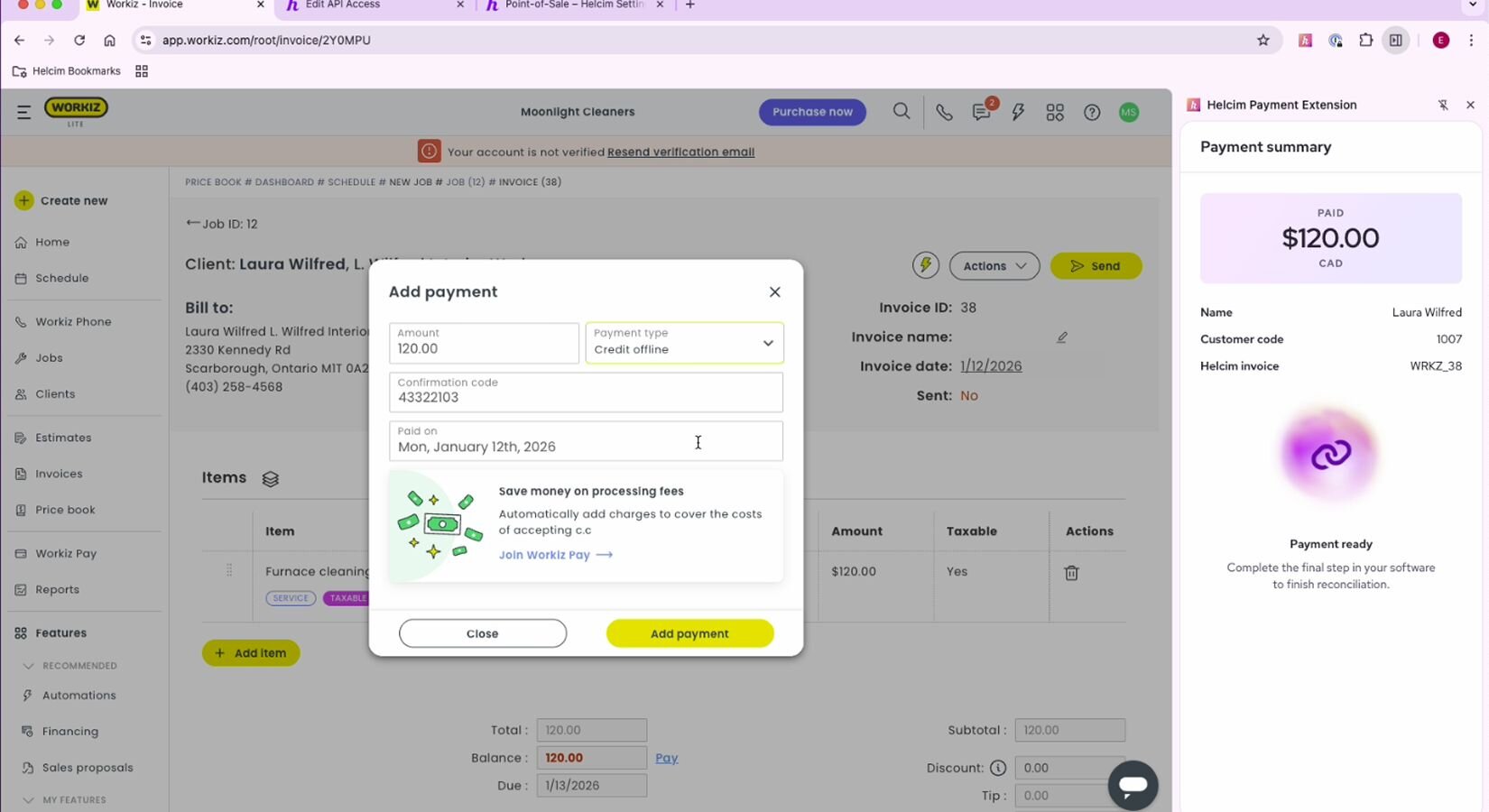
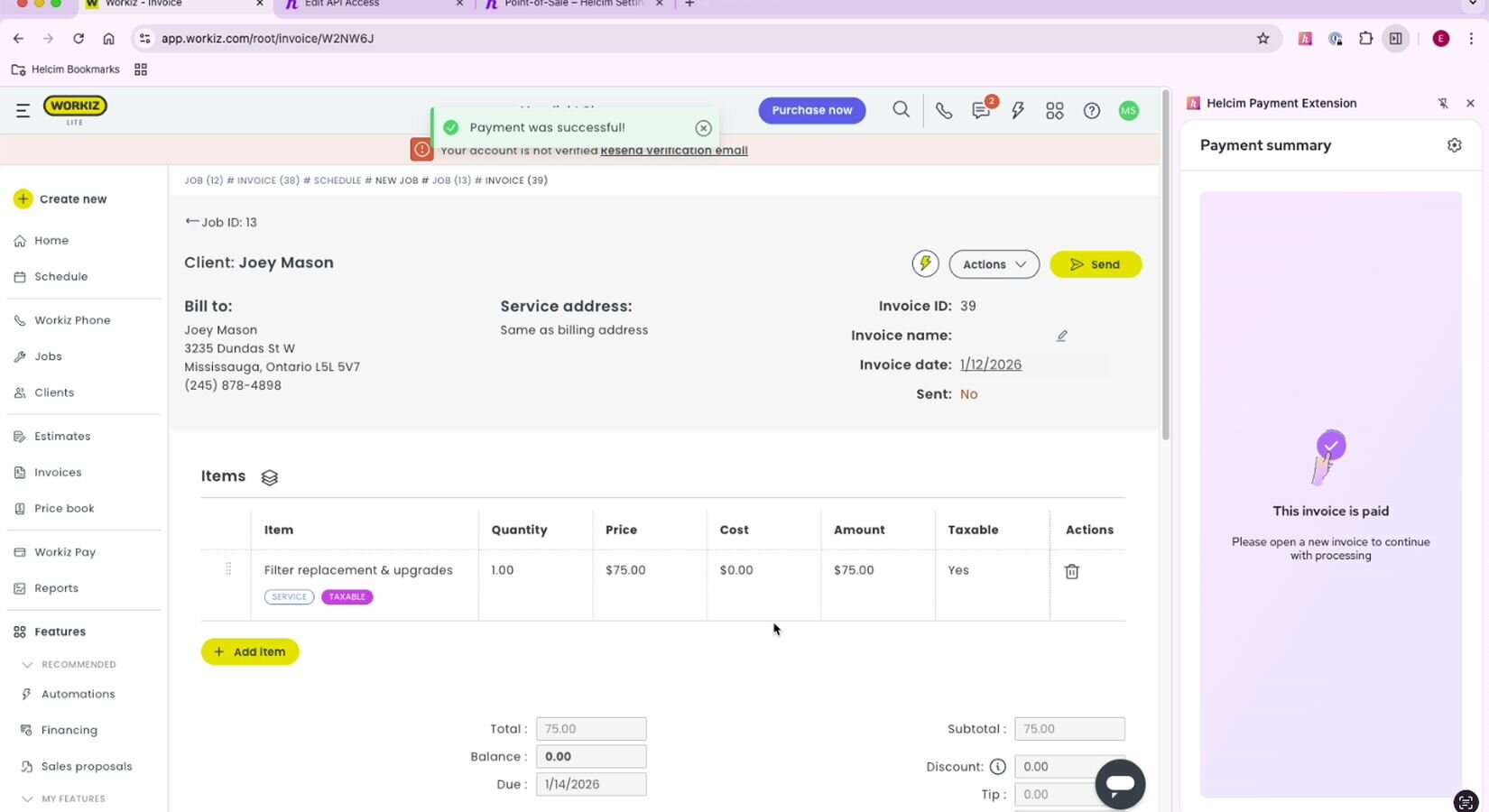
Take payments for appointments, invoices, and outstanding balances directly inside Workiz without switching systems.
Helcim’s transparent interchange-plus pricing offers a more affordable alternative to Workiz's default payment provider.
Helcim safeguards client payment data with card tokenization and comprehensive PCI program backed by annual audits—ensuring secure, fast, and reliable checkout.
Already have your customer’s card data with another provider? Helcim offers free card data migration, allowing you to securely transfer your existing customer card information so you can use it with the Payment Extension.
Need to process payments without creating an invoice? POS mode lets you accept custom payment amounts, combined totals, and payments that don’t originate from your third-party software, directly within the Extension.
How it works with Helcim
The Helcim Payment Extension allows payments to be processed through Helcim while Workiz continues to manage scheduling, job tracking, and customer data. Transactions are handled and deposited in Helcim, while service records remain in Workiz. Refunds or adjustments made outside Workiz may require manual updates. Invoice currency must match your Helcim account currency. This setup allows businesses to replace Workiz’s default processor with Helcim.
Requirements
Setup
Create a free Helcim account. If you already have one, you can skip this step.
Install the Helcim Payment Extension to your browser from the Chrome Store.
Follow the guide that appears after downloading the extension. It will prompt you to log in to your Helcim account to sync the extension, and then select a currency.
If you have a Card Reader Gen 3 or Smart Terminal, you can pair it by copy-pasting your 4-digit device code onto your Payment Extensions tab in Workiz.
FAQs
Yes — Helcim’s interchange-plus pricing is typically lower than Workiz's default payment processor, reducing your shop's transaction costs. Helcim doesn't have any monthly fees as well.
Yes — Helcim allows you to take payments for Workiz's invoices, appointments, and outstanding balances directly through the platform.
Lower fees, secure payments, faster administration, and reduced manual reconciliation.
Yes — Helcim Payment Extension provides affordable payment processing which can be an alternative to Workiz's built-in payment system.