























QuickBooks Online integration for online invoices
Accept credit card and ACH payments when you send your QuickBooks Online invoices.
About integration
QuickBooks Online is one of the world's leading cloud-based accounting platforms, used by businesses to manage financial records, invoicing, and reporting. The Helcim integration syncs easily with your QuickBooks account, allowing you to process payments using Helcim's affordable Interchange Plus rates directly on your QuickBooks invoices. When a customer pays, the transaction and customer data auto-sync back, ensuring your accounts are always reconciled and accurate.
Rate comparison

1.79% + 8¢
Average
2.31% + 25¢
Average
2.50%
2.99% - 3.5%
See how it works
Sign Up
Features
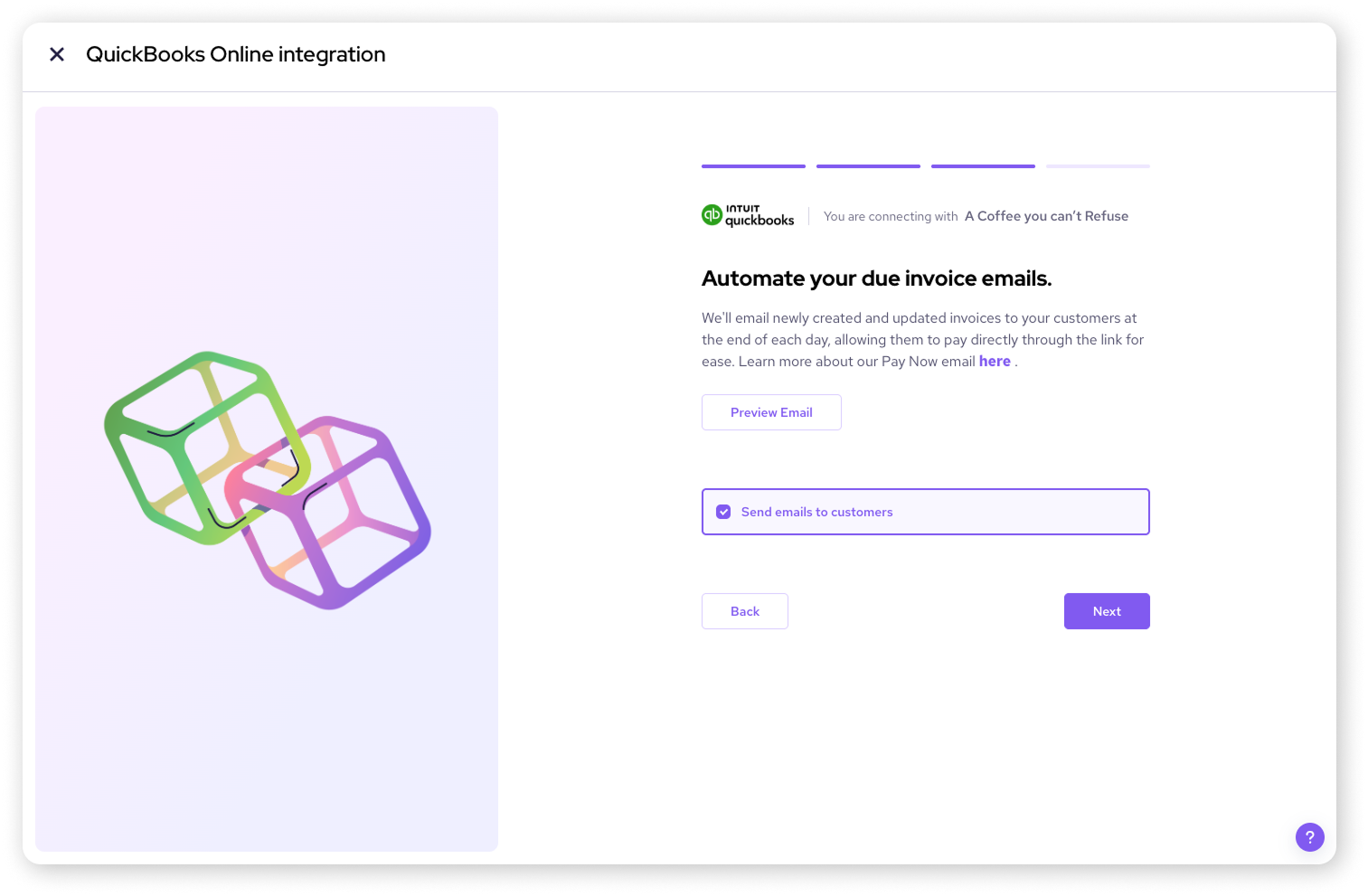
Create an invoice in QuickBooks and Helcim will automatically send a “Pay Now” email.
Your transaction data auto-syncs between Helcim and QuickBooks, marking the invoice as “paid” on both platforms.
Helcim can charge your customer's saved ACH or card automatically on the invoice due date—no manual steps required.
Keep more of your revenue with Helcim's transparent interchange-plus pricing, a clear alternative to QuickBooks Online default processing rates.
How it works with Helcim
Helcim’s QuickBooks Online integration keeps your invoicing and payments in sync, but works best when invoices are created directly in QuickBooks and collected through Helcim’s payment tools. With this integration, your QuickBooks invoices, customer information, and sales transactions will be synced with Helcim. Only Helcim-processed payments will update QuickBooks, and transactions taken outside the invoice workflow may require manual entry or reconciliation. Invoices must be in the same currency as your Helcim account to import correctly—QuickBooks invoices in unsupported or mixed currencies can’t be synced to Helcim. Auto-Collect helps automate overdue payments, though ACH timelines, returns, or failed charges may still need manual follow-up. Refunds processed in Helcim won’t automatically adjust the original QuickBooks invoice and may need to be recorded manually.
Requirements
Setup
Sign up for a free Helcim account.
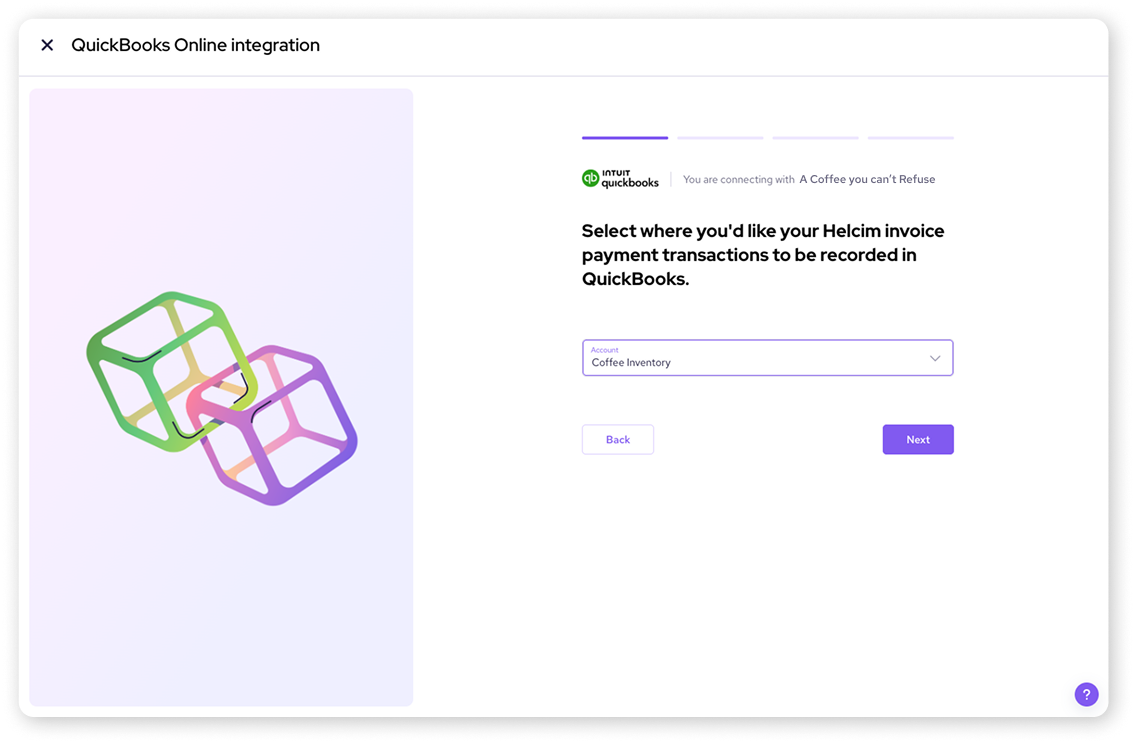
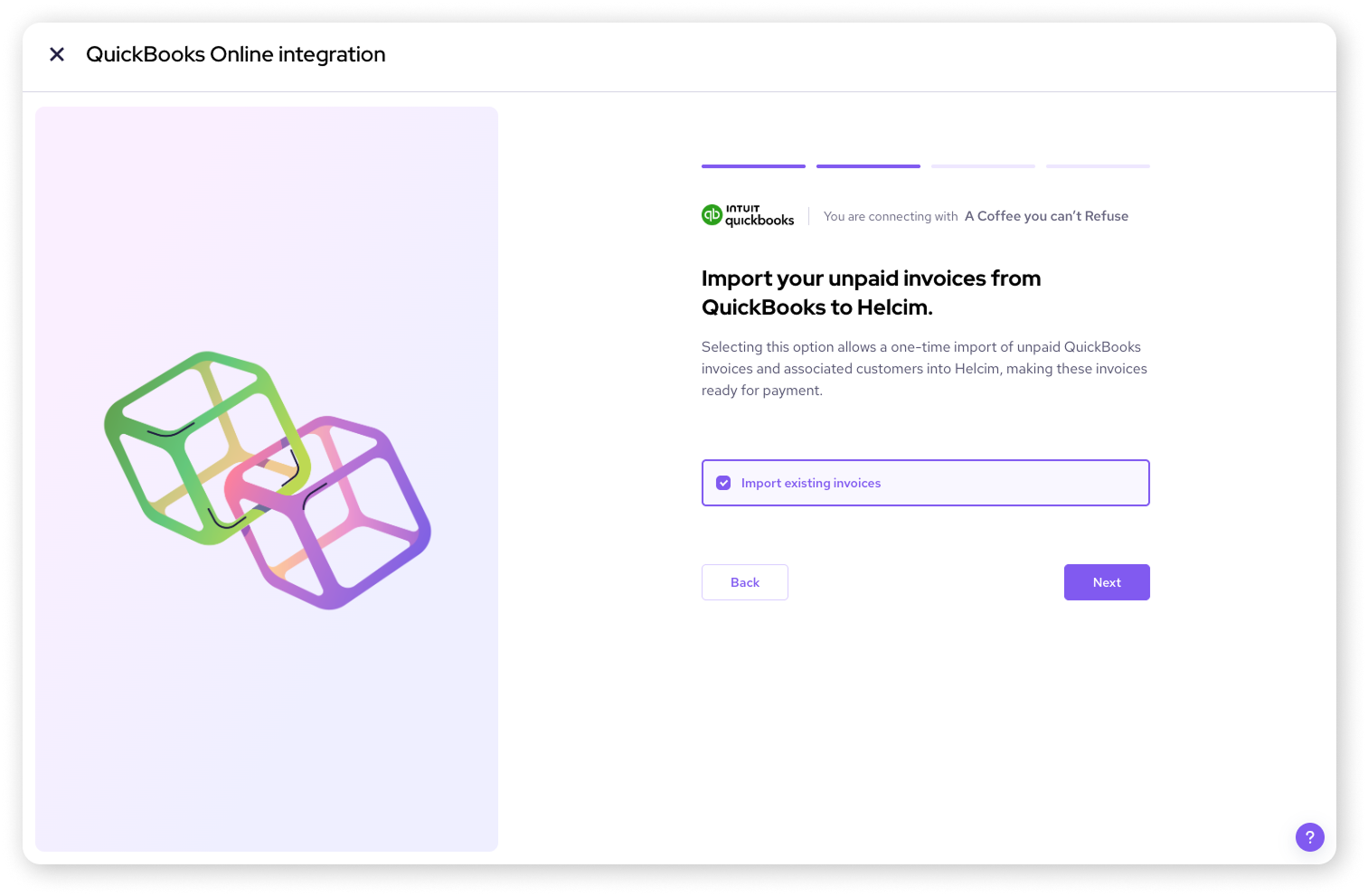
On your Helcim account, click All Tools in the top-left of your Helcim dashboard, go to Accounting Center under Merchant Tools, choose QuickBooks Online settings, select Connect to QuickBooks Online, then sign in to your QuickBooks Online account and choose the company to connect. It will ask you to complete all other onboarding setup required.
Once Helcim and QuickBooks Online are connected, invoices and customers created or updated in QuickBooks Online automatically sync to Helcim, you can collect payments through Helcim's tools (such as invoicing with secure payment links, the Virtual Terminal, or other Helcim integrations), and any payments made through Helcim are automatically recorded in QuickBooks Online and matched to the corresponding invoice to streamline reconciliation.
FAQs
Yes — when you process payments via Helcim, you benefit from its transparent interchange-plus pricing, which is often lower than flat-rate options of QuickBooks Online.
Customer information, invoices created in QuickBooks Online, and payment transactions processed via Helcim can be synced between the platforms.
In your Helcim dashboard go to “All Tools” → “Accounting Center” then choose QuickBooks Online and follow the steps to connect your company.
No — there are no setup fees or monthly charges for the QuickBooks Online integration; you only pay the usual Helcim transaction processing fees.