




















ChiroTouch
Coming SoonAccept chiropractic patient payments in ChiroTouch with Helcim
About extension
ChiroTouch is a chiropractic practice management system for EHR, scheduling, and billing. With Helcim, clinics can securely accept patient payments within their workflow, improving collections and reducing processing costs.
The Helcim Payment Extension is an independent productivity tool designed to help you work more efficiently across your favorite platforms. Please note that this extension is not a direct API integration and is not officially sponsored, authorized, or endorsed by ChiroTouch or the third-party software providers it supports. Instead, it acts as a smart bridge in your browser, automating the manual entry of your Helcim payment data into other apps to save you time. We are proud to offer this innovative solution to give you more flexibility and choice in how you manage your business data!
See how it works
Notify me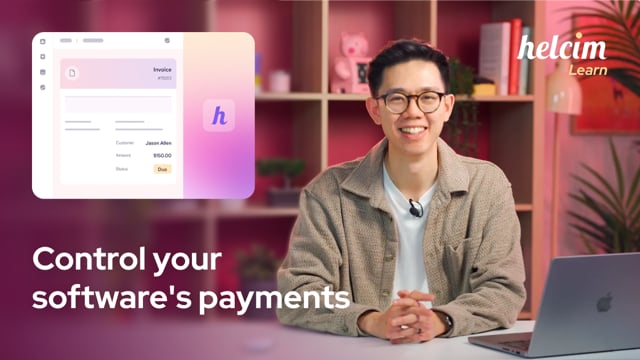

Assured HIPAA Compliance
Process payments confidently knowing your clinic's PHI is protected. Download Helcim's HIPAA Management Assertion now to see how we ensure compliance.
Features
Collect co-pays, invoices, and balances without leaving ChiroFusion.
Minimize manual entry and reconciliation tasks.
Use PCI-compliant tokenization to protect card data.
Save with transparent interchange-plus pricing.
How it works with Helcim
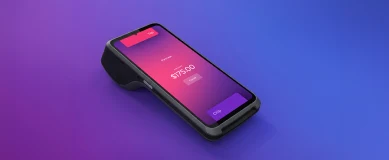
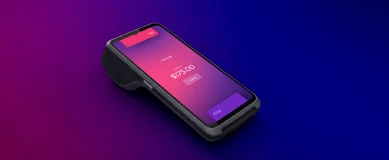
The Helcim Payment Extension enables payments to be processed through Helcim while ChiroTouch continues to manage appointments, clinical notes, and billing workflows. Transactions are reported and deposited in Helcim, while patient records remain in ChiroTouch. Refunds or payment changes made outside ChiroTouch may require manual updates. Invoice currency must match your Helcim account currency. This allows practices to replace ChiroTouch’s default payment processor while maintaining compliance and workflow continuity.
Requirements
Setup
Create a free Helcim account. If you already have one, you can skip this step.
Install the Helcim Payment Extension to your browser from the Chrome Store.
Follow the guide that appears after downloading the extension. It will prompt you to log in to your Helcim account to sync the extension, and then select a currency.
If you have a Card Reader or Smart Terminal, you can pair it by copy-pasting your 4-digit device code onto your Payment Extensions tab in AutoRepair Cloud.
FAQs
Yes — Helcim’s interchange-plus pricing is a lower-cost alternative to many default or third-party payment providers used with ChiroTouch.
Yes — Helcim can be used to process payments alongside ChiroTouch, allowing you to collect payments for appointments, co-pays, and outstanding balances.
You gain lower fees, secure PCI-compliant payment handling, simplified reporting, and the ability to collect payments within your existing EMR workflow without switching systems.
Yes — Helcim Payment Extension provides a lower-cost payment processing alternative to ChiroTouch’s built-in payment solution.

Be the first to know
Enter your email and we'll let you know as soon as ChiroTouch integration goes live.
Email sent!
Check your inbox for updates about this integration.